
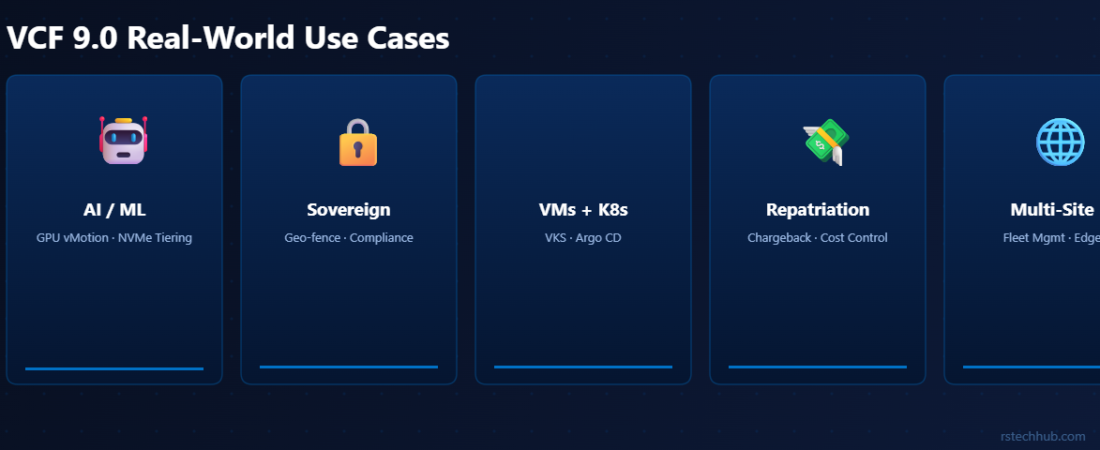
Architecture documentation tells you what the platform can do. Use cases tell you whether it’s worth caring about. These five scenarios are based on what I keep seeing come up in conversations with infrastructure and platform teams.
These aren’t hypothetical scenarios. Most of them come from conversations I’ve had with clients over the past year, trying to figure out whether VCF 9.0 was worth the migration effort for their specific situation.
Use Case 1: On-Premises AI and ML Infrastructure
🤖 The Problem
This is the use case I get asked about most right now. Everyone has a data science team that needs GPU clusters for model training and inference. Running that in a public cloud is getting expensive fast. GPU instance costs compound quickly, and you’re shipping petabytes of training data over a connection that wasn’t designed for it. Building a dedicated GPU cluster in-house means managing it outside your existing vSphere tooling, creating a separate operational silo.
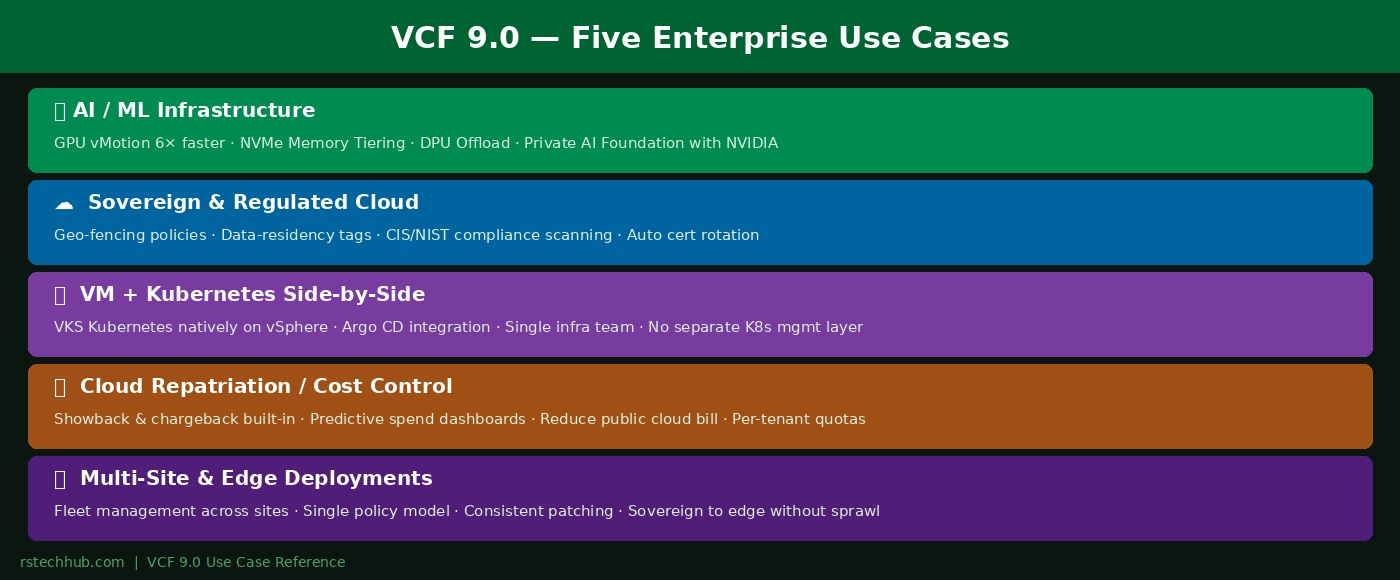
VCF 9.0 addresses this directly. GPU vMotion now works 6x faster by streaming GPU memory during migration. NVMe Memory Tiering lets you run larger models per host without a proportional jump in DRAM spend. DPU offload moves storage and network processing off the host CPUs so those cores stay available for inference. For organizations going all-in, VCF Private AI Foundation with NVIDIA handles GPU cluster provisioning and model serving infrastructure within the VCF operational model.
Use Case 2: Sovereign Cloud and Regulated Industries
🔒 The Problem
You’re in financial services, healthcare, government, or a jurisdiction with data residency laws. Your workloads have to stay within a specific physical boundary. VCF 9.0 has built sovereignty into the platform model. Data-residency tags and geo-fencing policies let you specify exactly which clusters a workload can run on, enforced at the infrastructure level. Automated certificate rotation eliminates one of the most common audit findings. The Security Operations Dashboard gives continuous compliance scanning against CIS and NIST baselines, real-time compliance scores rather than point-in-time audit reports.
Use Case 3: Running VMs and Kubernetes Together
🖥 The Problem
Most enterprise estates have a mix of traditional VMs and containerized applications. Managing both typically means two separate infrastructure teams and two operational toolchains. In VCF 9.0, vSphere with Tanzu (marketed as vSphere Kubernetes Service / VKS within VCF) allows containerized workloads to run on the same ESXi hosts as your regular VMs. The same storage policies apply, and patching a host covers both VM and Kubernetes runtimes in a single maintenance window. GitOps-driven tools like Argo CD integrate with the Tanzu ecosystem, though Supervisor Clusters and workload domains maintain their own management context separate from the VM layer, so there is no single unified console for both.
Use Case 4: Cloud Repatriation and Cost Control
💸 The Problem
Cloud bill shock is real. At a certain scale, the per-unit cost of running workloads in a public cloud is materially higher than on-premises, especially for 24/7 workloads that don’t benefit from cloud elasticity. VCF 9.0’s automation layer gives developers the same self-service experience they’re used to in a cloud environment. VMware Data Services Manager (DSM) 9.0 extends this further: developers can provision and scale open-source database clusters (PostgreSQL, MySQL) on-demand without raising an infrastructure ticket, bringing database-as-a-service consumption fully on-premises. The built-in cost management, chargeback, and showback dashboards make the ROI conversation concrete, you can show exactly what a workload costs on-prem versus what the cloud invoice showed.
Use Case 5: Multi-Site and Edge Deployments
🌐 The Problem
Running infrastructure across multiple sites is operationally expensive. Each site ends up with its own slightly-different configuration, its own patch schedule. Configuration drift compounds over time. VCF 9.0’s fleet management model addresses this directly, you onboard each site into VCF Operations and manage them collectively. Patch bundles and compliance policies apply fleet-wide. Configuration drift alerts tell you exactly what changed and where, with auto-remediation for common items.
Which Use Case Fits Your Environment?
Most organizations are addressing more than one of these at the same time. The platform’s strength is handling all five within a single operational model. Whether that justifies the cost over a DIY approach is what the next post in this series covers directly.