
Update, October 2026: the R620 has been retired. TrueNAS now runs on a Dell R730xd with far more storage, covered in Part 6. The steps in this post still apply on the new server.
Part 1 covered replacing OMV with TrueNAS Scale and getting the OS installed on the Dell R620. This part is where it becomes useful — creating the ZFS storage pool, setting up the single NFS share for VMware, and tuning ZFS to actually use the 384GB of RAM in the machine.
The Dashboard
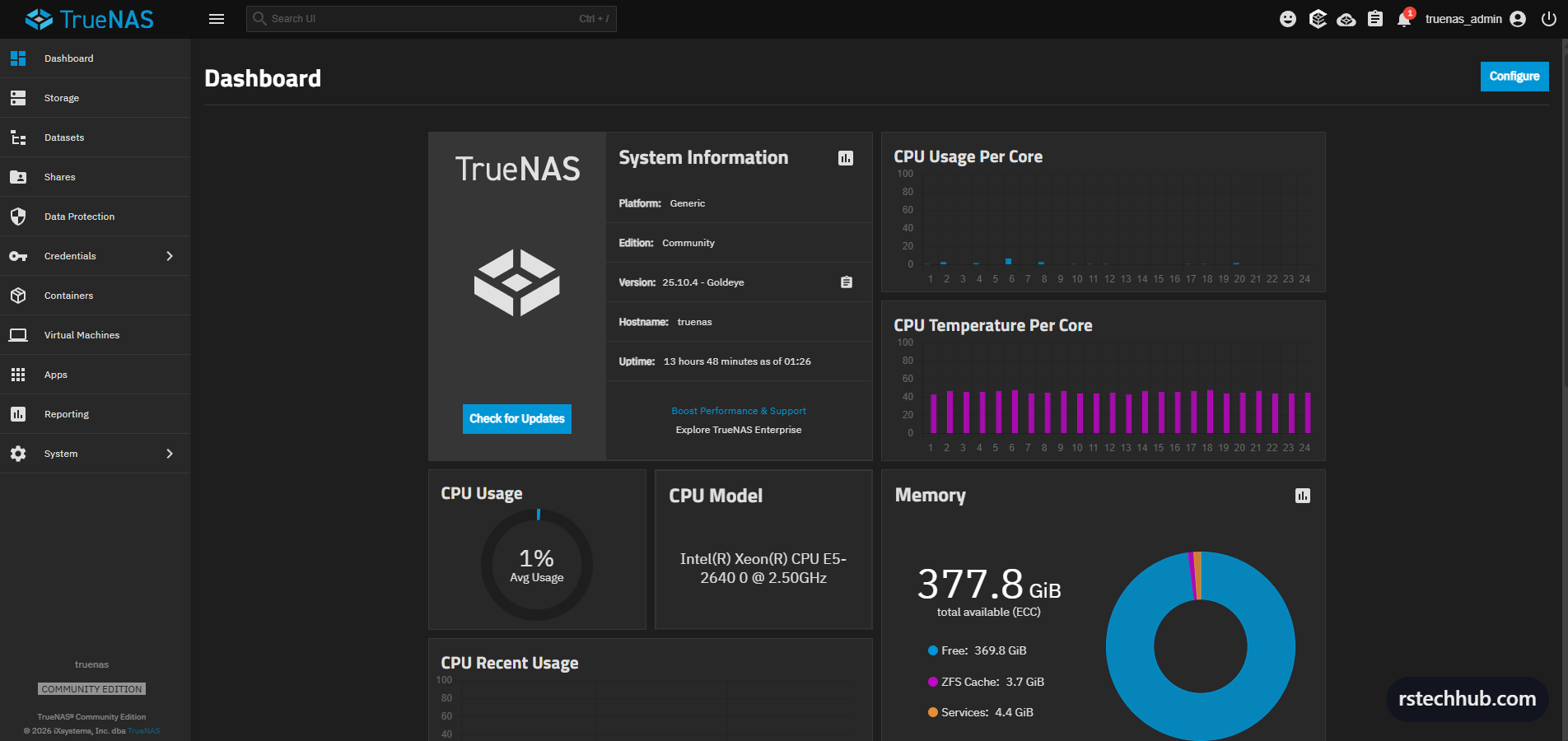
First login after the fresh install. The dashboard confirms everything is healthy — E5-2640 at idle, 377.8 GiB available (ECC), and ZFS cache already at 3.7 GiB and climbing. This is what the R620 is here for.
Creating the ZFS Pool
Navigate to Storage and click Create Pool. The wizard is straightforward. Name it tank — simple, one word, easy to reference in mount paths and scripts.
The drives show up flagged with exported pool signatures from the old OMV install. Expected. Select the esxi_datastore group to grab all 10x 1.09 TiB SAS drives. On the Data step, set Layout to RAIDZ2, Width to 10, Number of VDEVs to 1. The preview shows 8.73 TiB estimated usable. Confirm and create.
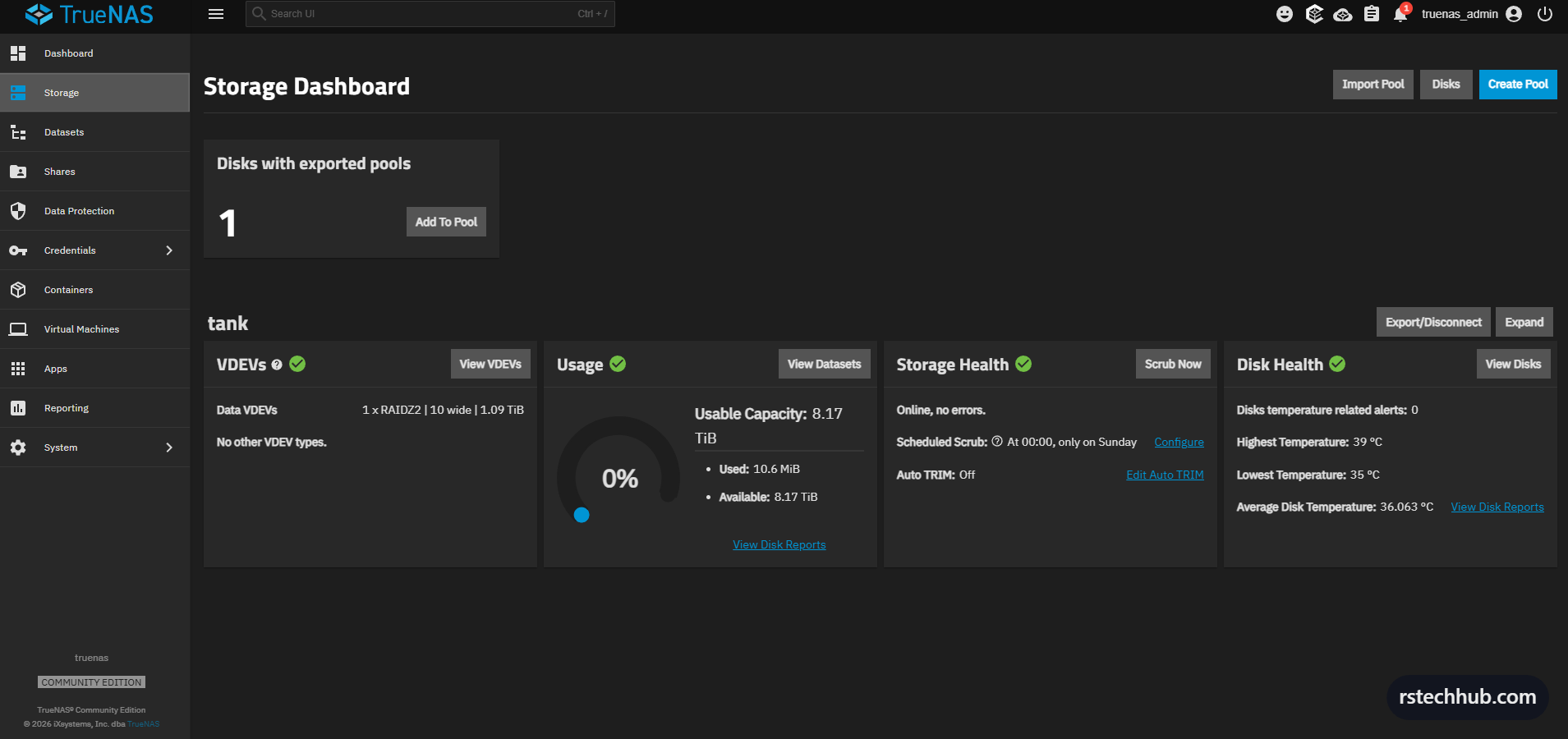
Pool comes up immediately. 8.17 TiB usable, RAIDZ2, online with no errors. Disk temperatures sitting between 35-39°C which is comfortable for SAS drives in a 1U chassis. Weekly scrub scheduled on Sundays.
Creating the Dataset
Navigate to Datasets. With tank selected, click Add Dataset. Name it vmware, leave Dataset Preset as Generic. One dataset. The whole pool serves one purpose — NFS storage for the VMware hosts.
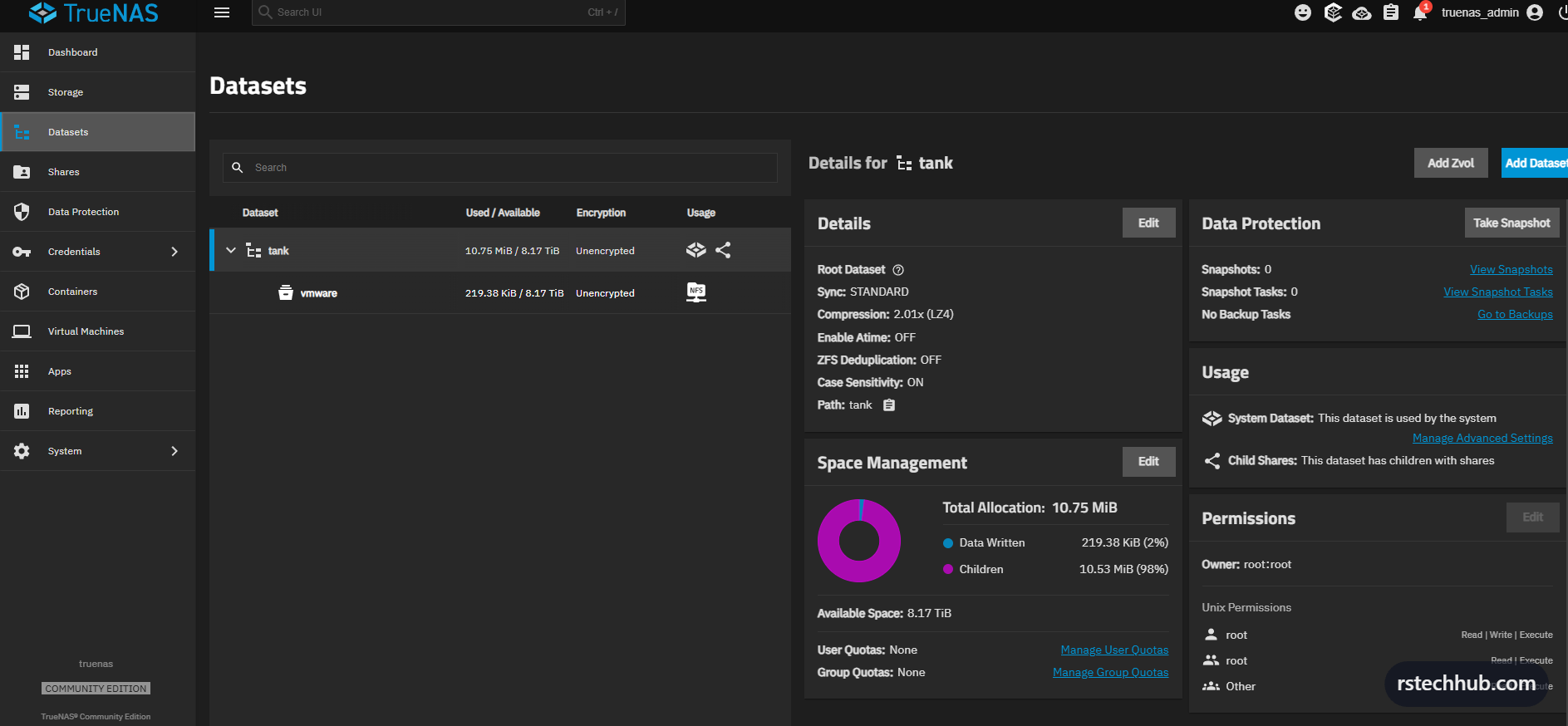
Worth noting: the default owner is root:root. That works for a lab environment but in production you would create a dedicated service account and lock this down. For now the NFS maproot settings handle access control at the share level.
Setting Up the NFS Share
Navigate to Shares, click Add under UNIX (NFS) Shares. Path is /mnt/tank/vmware. Leave Networks and Hosts empty to allow all connections — restrict by subnet once everything is validated. Save.
TrueNAS immediately prompts to start the NFS service with automatic start enabled. Click Start.
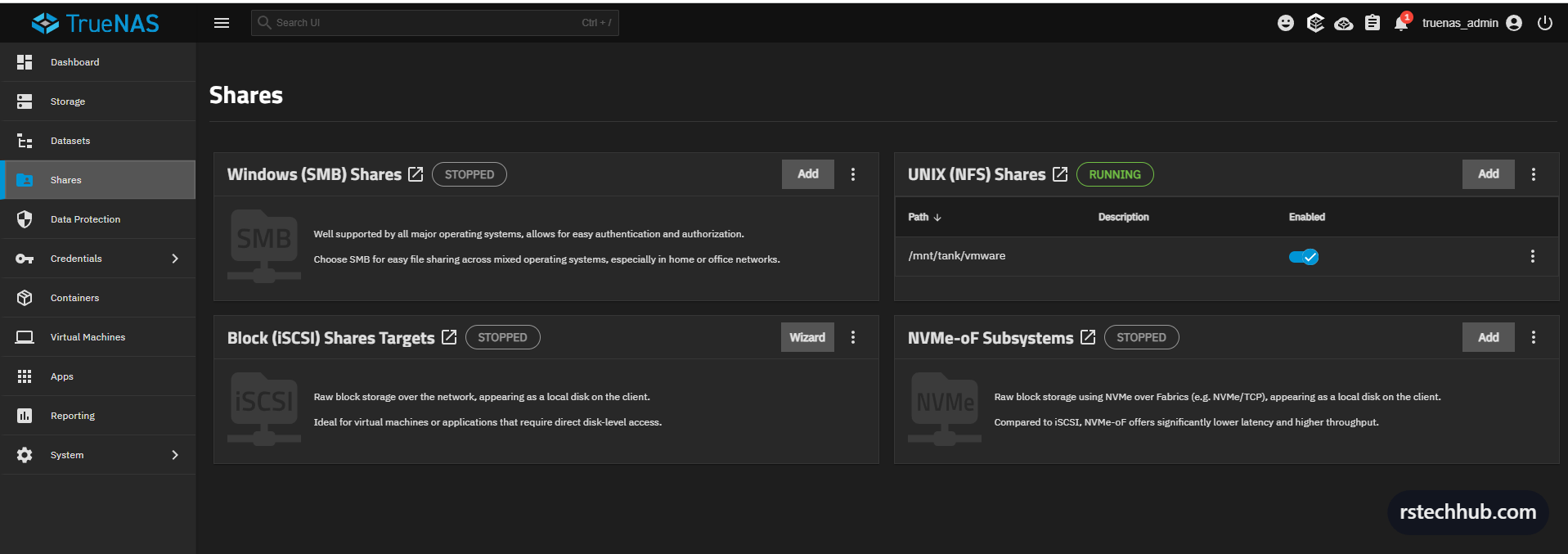
One share. NFS running. Everything else stopped and unused.
ZFS Tuning
 Advanced Settings — access point for Sysctl tuning” class=”wp-image-1575″/>
Navigate to System > Advanced to access the Sysctl section. This is where you would normally set vfs.zfs.arc_max to cap the ARC at a specific value.
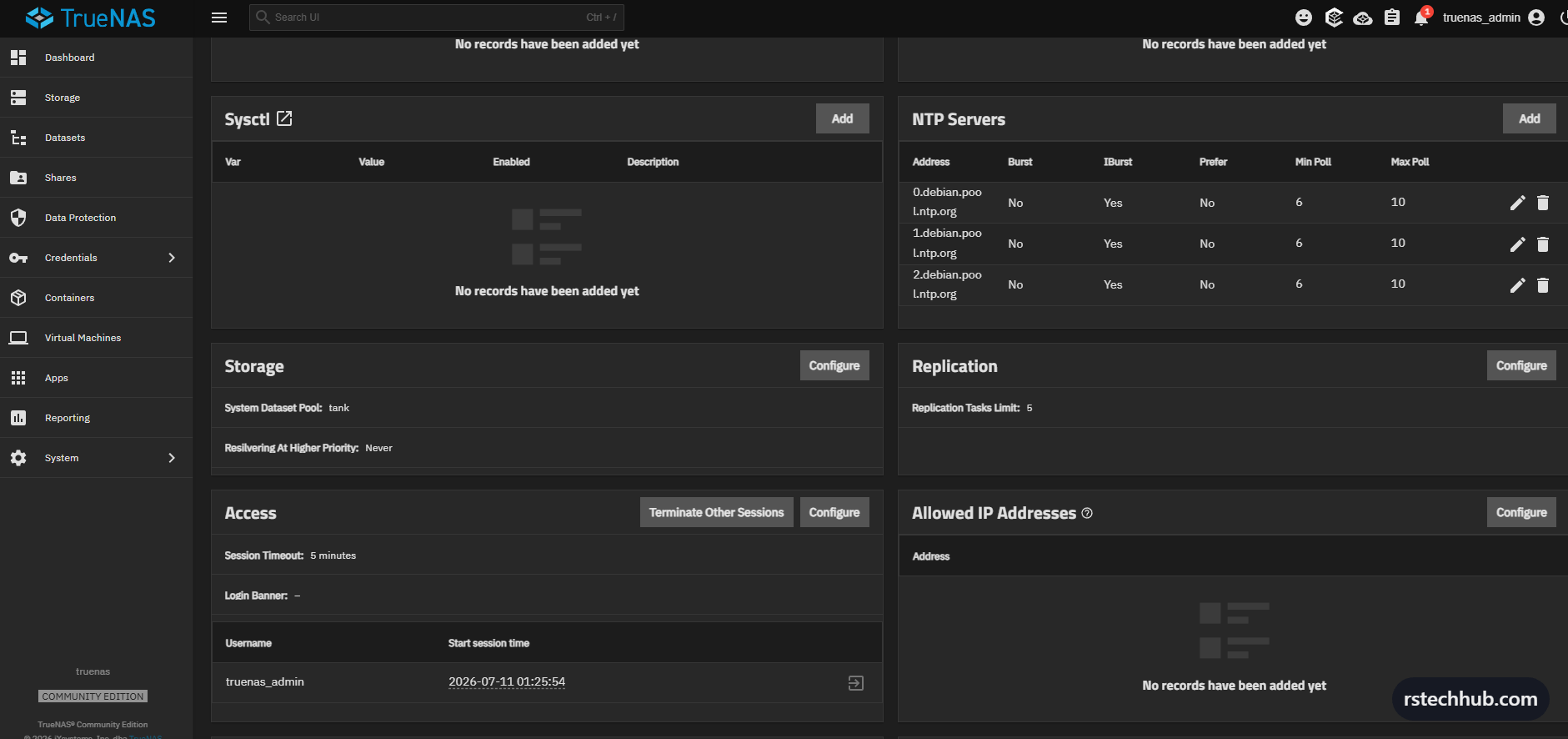
One thing I ran into: TrueNAS Scale 25.x runs Linux-based OpenZFS, not FreeBSD ZFS. The classic vfs.zfs.arc_max sysctl parameter from FreeBSD-based TrueNAS CORE does not apply here and the UI will reject it. On Scale, ARC tuning is done via the shell using the Linux OpenZFS equivalent.

To set the ARC limit on TrueNAS Scale, open a shell session (option 7 from the console or via System > Shell) and run:
echo 343597383680 > /sys/module/zfs/parameters/zfs_arc_maxThat sets 320GB as the ARC ceiling. To make it persist across reboots, create an init script under System > Advanced > Init/Shutdown Scripts that runs this command at post-init. The Sysctl UI in TrueNAS Scale is for general Linux kernel parameters, not ZFS-specific ones.
Data Protection
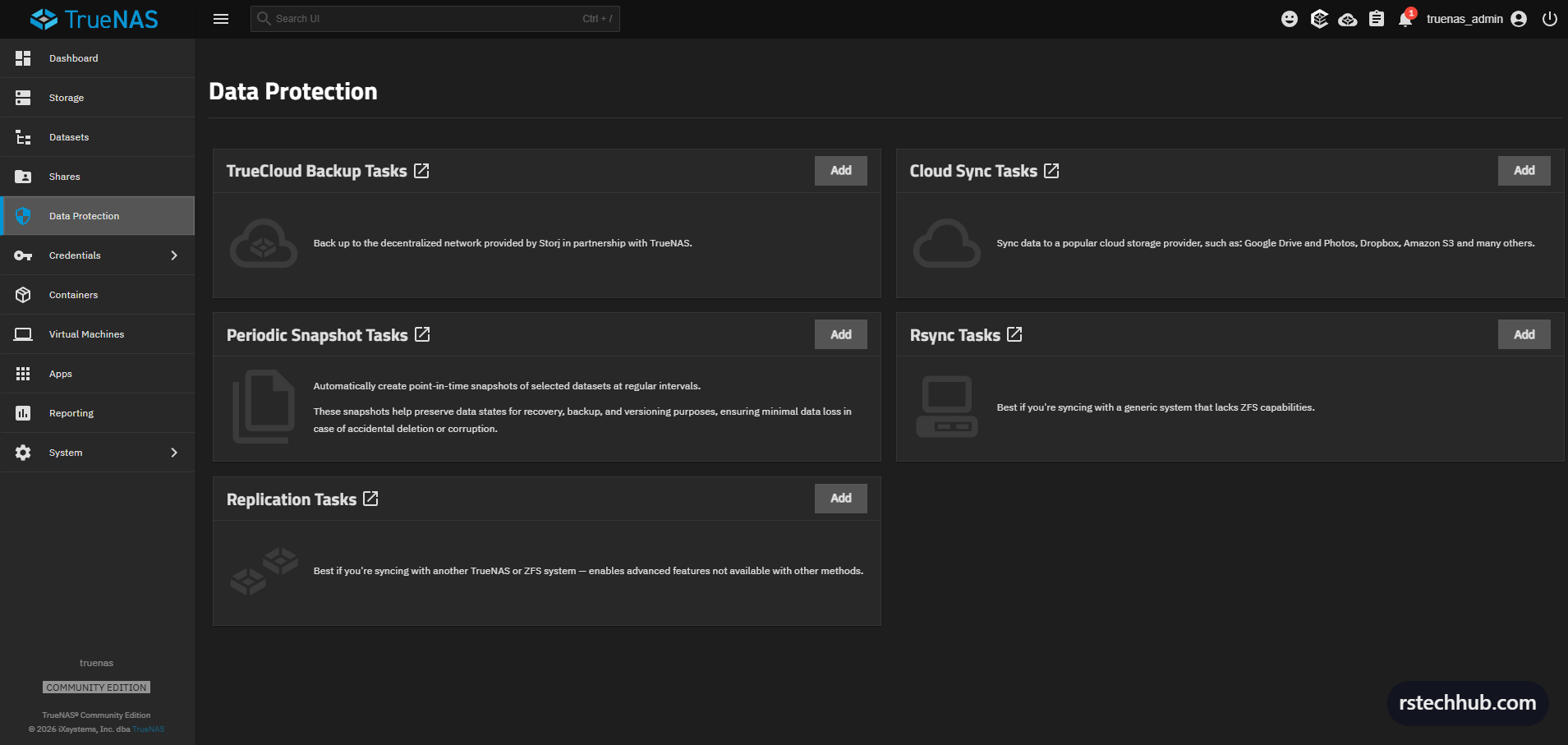
Data Protection covers snapshots, replication, and backup tasks. For a VMware NFS backend the minimum setup is a periodic snapshot task on the vmware dataset — gives you point-in-time recovery without needing a full backup solution. The pool scrub is already scheduled weekly from the storage setup.
Monitoring and Reporting
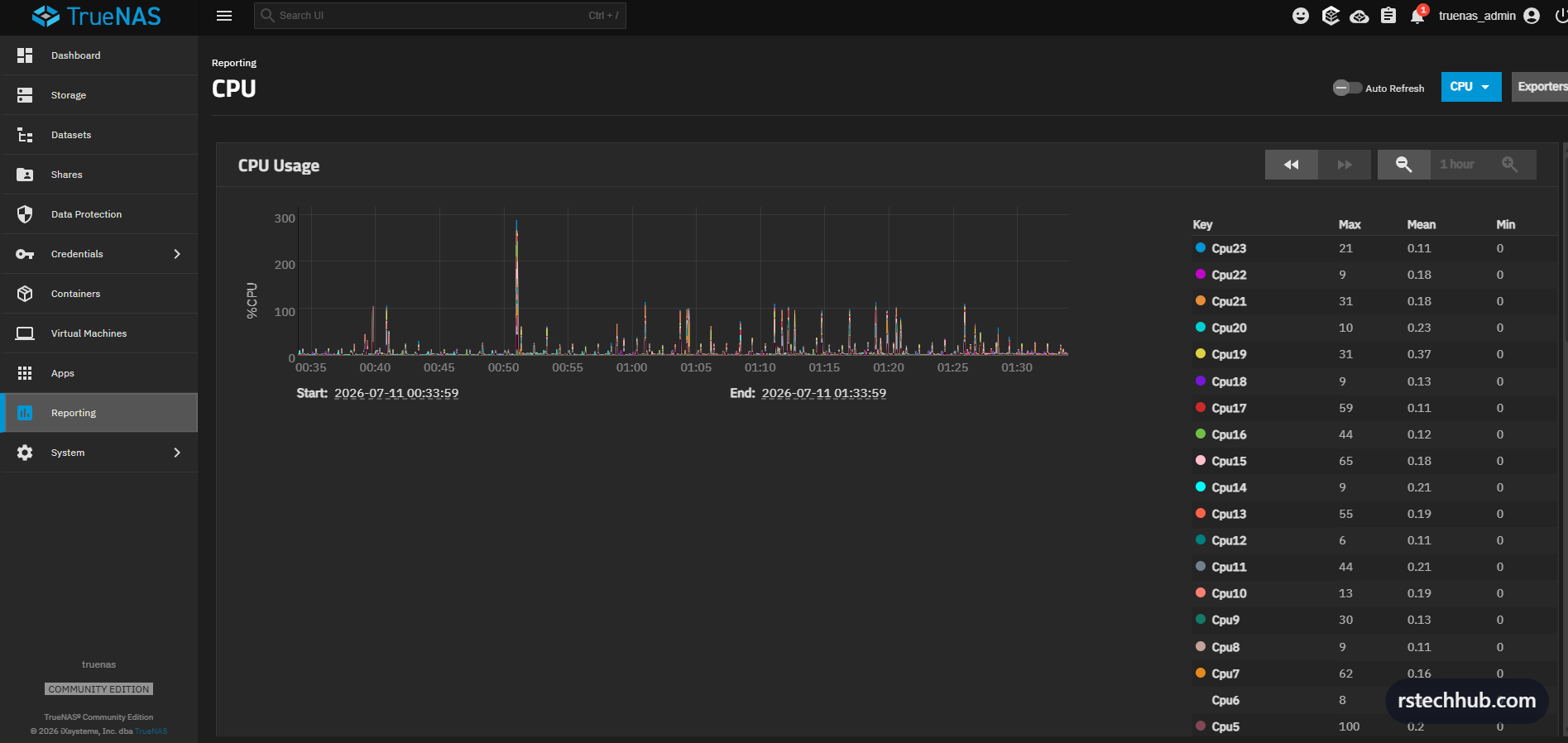
Reporting shows CPU, memory, disk, and network graphs. The CPU graph shows the E5-2640 sitting essentially idle across all 24 threads — the NFS workload is almost entirely memory-bound once the ARC fills up. The metric worth watching is the ZFS ARC graph, which shows cache size and hit rate. Once it stabilises above 90% hit rate, the drives are rarely touched for reads.
Email alerts are configured under System > General > Email. Pool degradation, SMART failures, and weekly status reports will land in the inbox automatically.
Hardware: Dell PowerEdge R620, LSI 9211-8i IT mode, 10x 1.2TB SAS EG1200JEMDA, Dell C63DV X520/I350 rNDC. TrueNAS Scale 25.10.4 Goldeye.