
Latest posts
-
VCF 9.1 Lab Part 11: Certificates
Why certificates, and why now Everything in a fresh VCF 9.1 fleet wears a certificate signed by the VMware Certificate Authority built into vCenter. It works, and every browser complains about it. I run a Windows certificate authority in the lab for everything else, so I wanted VCF to use it too. One root, one…
-
VCF 9.1 Lab Part 10: Log Management
Why log management, and why now The day-one health check in Part 6 flagged two alarms: ESX remote syslog and NSX remote logging. Nothing in my lab was shipping logs anywhere. The hosts kept their logs locally. I wanted a copy of the host logs somewhere else, so that a dead host or a reboot…
-
Building a VCF 9.1 Lab, Part 9: Managing Passwords
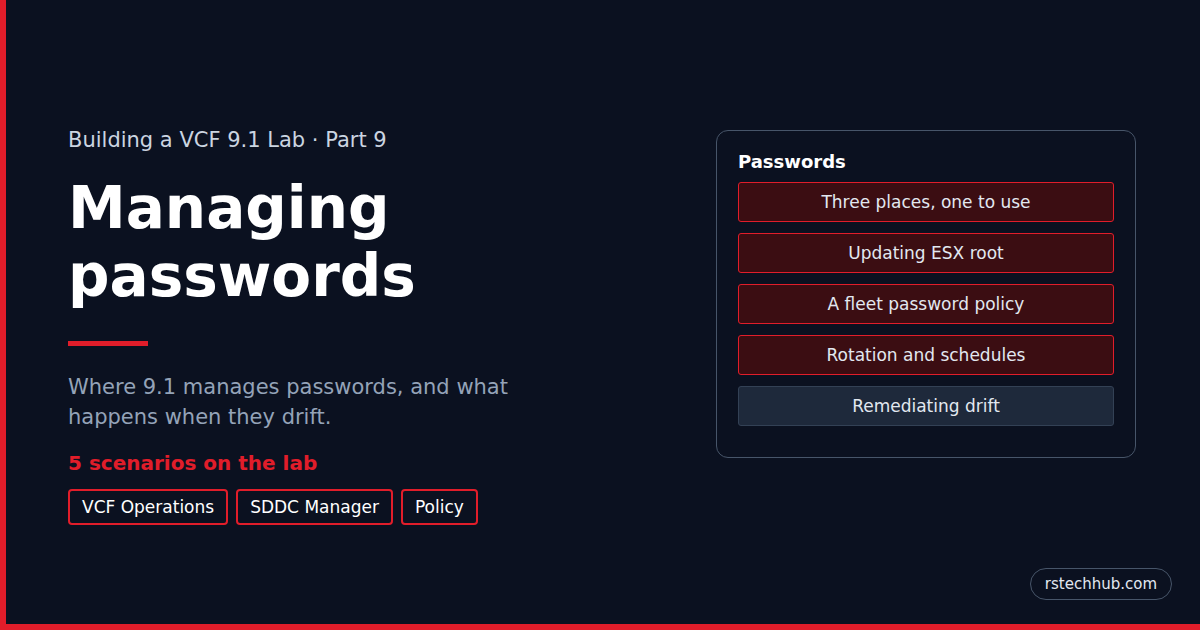
In Part 8 I registered VCF Operations and downloaded my licences. This part is about passwords: where VCF 9.1 keeps them, how you change them, and what happens when one changes behind VCF’s back. I ran five real scenarios on the lab to find out, and a couple of them surprised me. Three places, one…
-
Building a VCF 9.1 Lab, Part 8: Licensing with VMUG Advantage
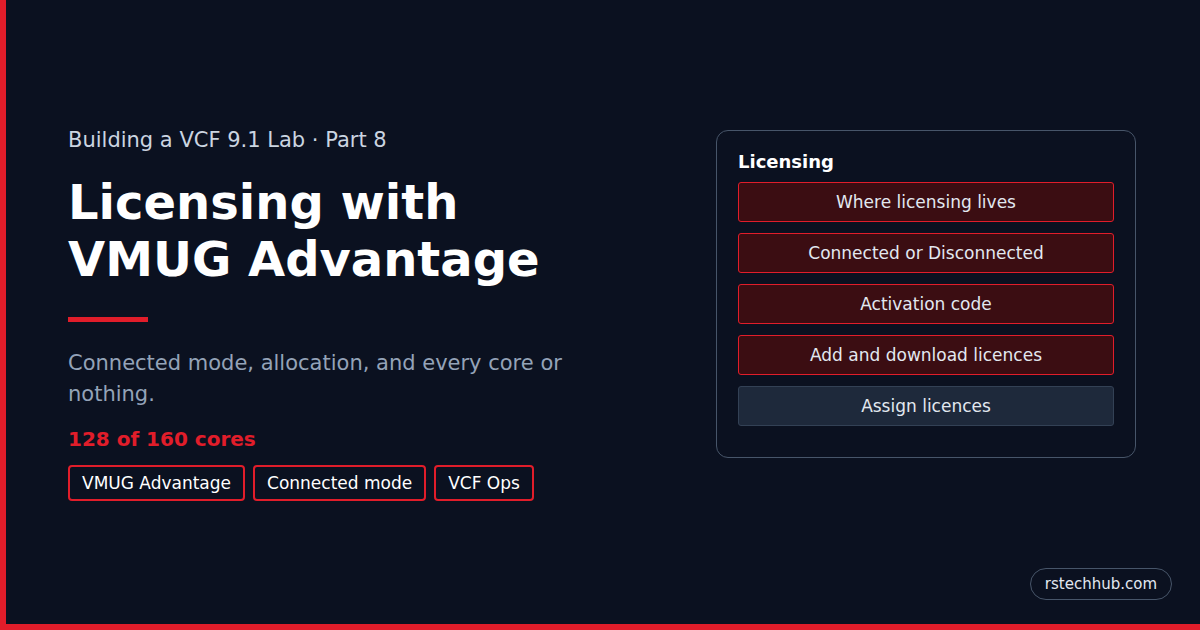
In Part 7 the backups landed on my NAS. The last banner left from bring-up is VCF Operations saying it isn’t registered. This part registers it in Connected mode and adds my VMUG Advantage licences. It ends with a rule I didn’t know about: a primary licence has to cover every core, or it can’t…
-
Building a VCF 9.1 Lab, Part 7: Backups to a Synology NAS
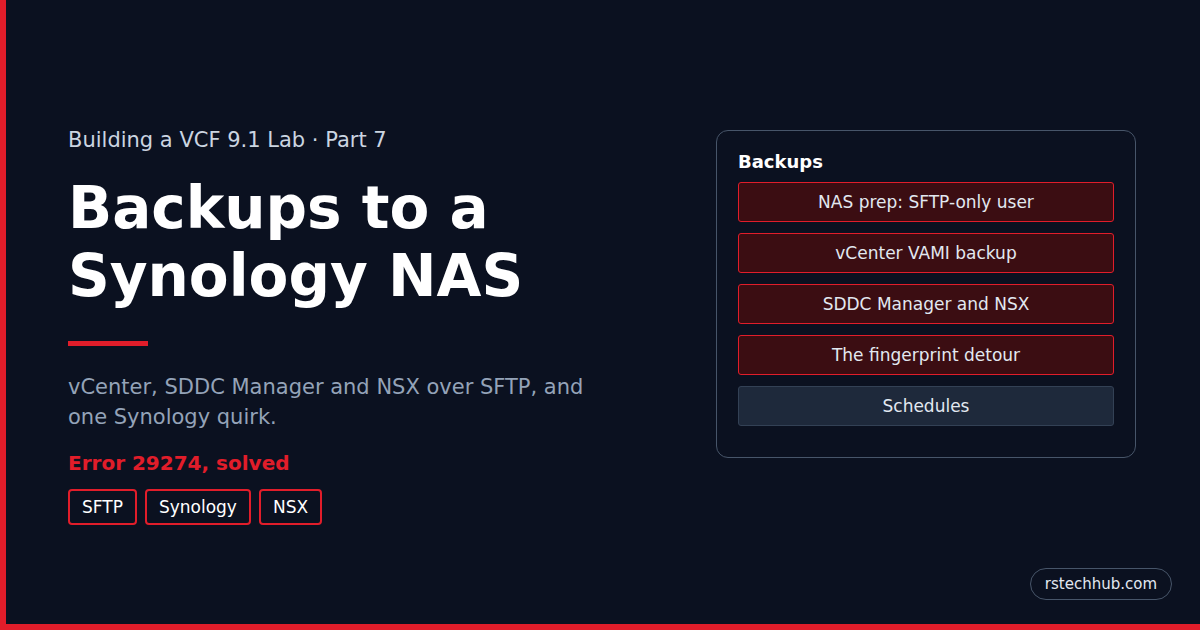
In Part 6 I worked through the day-one warnings. One banner was still there: SDDC Manager warning that its backups are on default settings. This part puts all three management backups, vCenter, SDDC Manager and NSX, on my Synology NAS over SFTP. vCenter was easy. SDDC Manager and NSX were not, and the reason is…
-
Building a VCF 9.1 Lab, Part 6: The Day-One Health Check
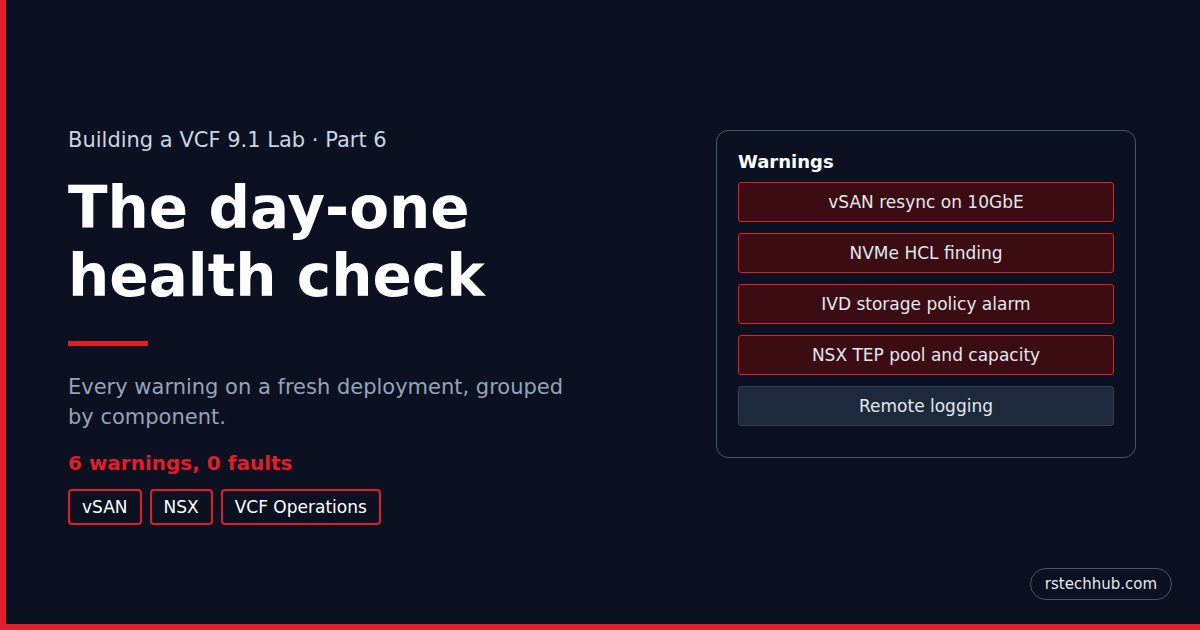
In Part 5 the management domain came up and I logged in to each console. Each console also had warnings waiting. None of them was a fault, but each one is worth understanding before you dismiss it. I’ve grouped them by where they show up: vSAN and vCenter first, then NSX, then VCF Operations. Warning…
-
Building a VCF 9.1 Lab, Part 5: Bring-up and First Logins
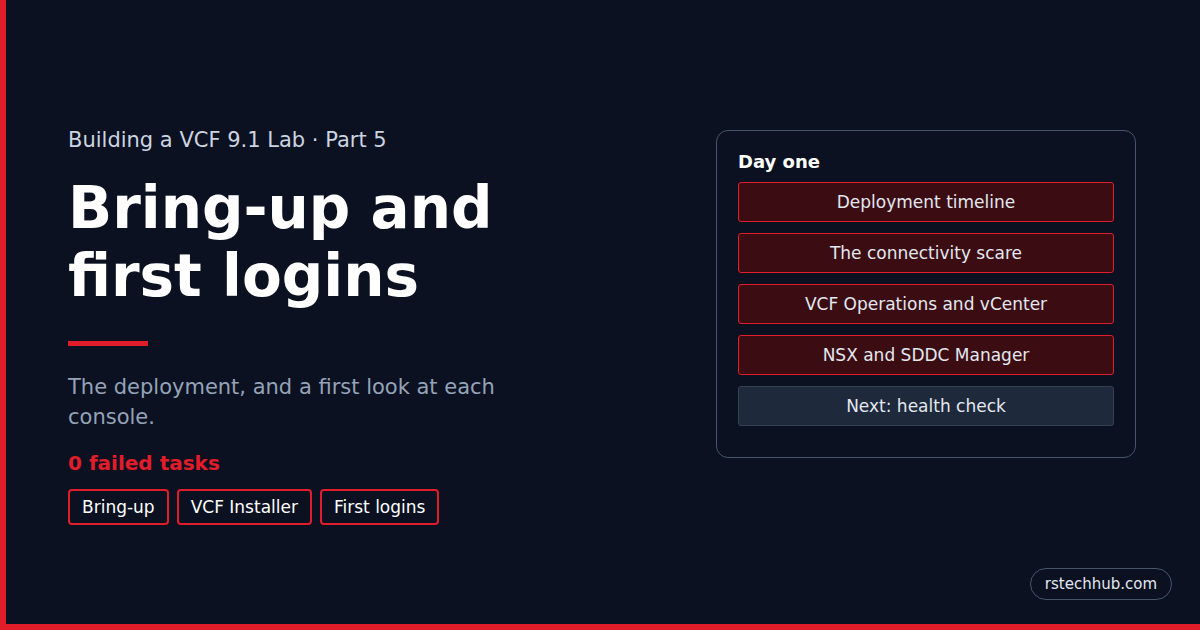
In Part 4 I took the VCF Installer wizard to a clean validation and clicked Deploy. This part covers what happened next: the bring-up itself and a first look at each console. The eighteen passwords the installer generated belong with the rest of password management, which gets its own chapter later in the series. The…
-
Building a VCF 9.1 Lab, Part 4: Planning the Deployment in the VCF Installer Wizard

In Part 3 the VCF Installer came up, connected to the online depot and downloaded the 9.1.0.0 binaries. This part is the deployment wizard itself: every page, what I chose and why, and the few places where 9.1 asked for something I hadn’t planned. It ends with a clean validation run. The bring-up itself gets…
-
Building a VCF 9.1 Lab, Part 3: The VCF Installer and Its Online Depot
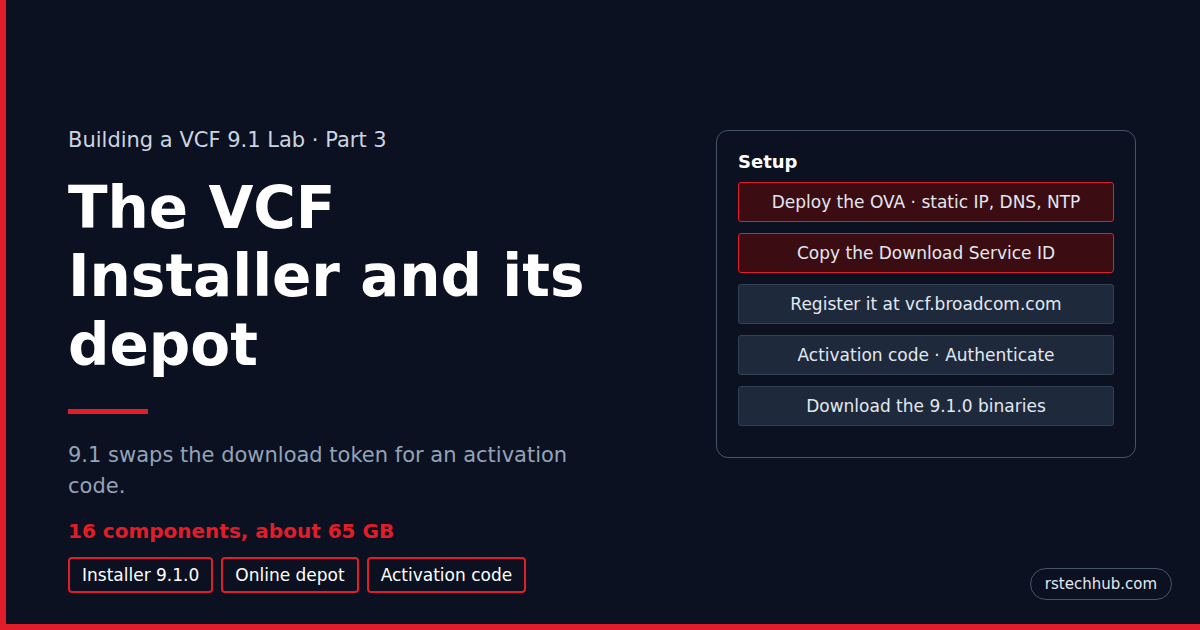
Deploying the VCF Installer 9.1.0 appliance and connecting it to the online depot, where 9.1 swaps the download token for an activation code, then picking the GA binaries on purpose.
-
Building a VCF 9.1 Lab, Part 2: Hands-Off ESX Installs with Redfish and Kickstart

One PowerShell command that checks four Dell R640s, builds a kickstart ISO per host, boots them through the iDRAC, installs ESX 9.1 in parallel and checks each host is ready for VCF.