
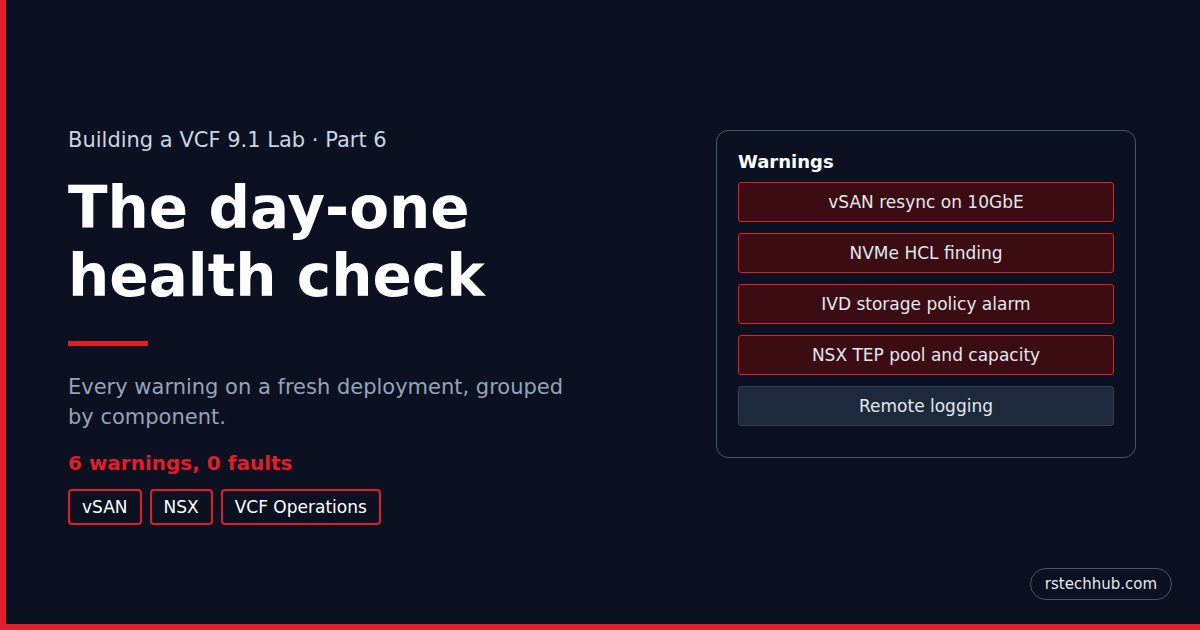
In Part 5 the management domain came up and I logged in to each console. Each console also had warnings waiting. None of them was a fault, but each one is worth understanding before you dismiss it. I’ve grouped them by where they show up: vSAN and vCenter first, then NSX, then VCF Operations.
| Warning | Where | What I did |
|---|---|---|
| vSAN cluster compliance (resync optimisation) | vSAN Skyline Health | Fixed: one advanced setting per host, 10GbE only |
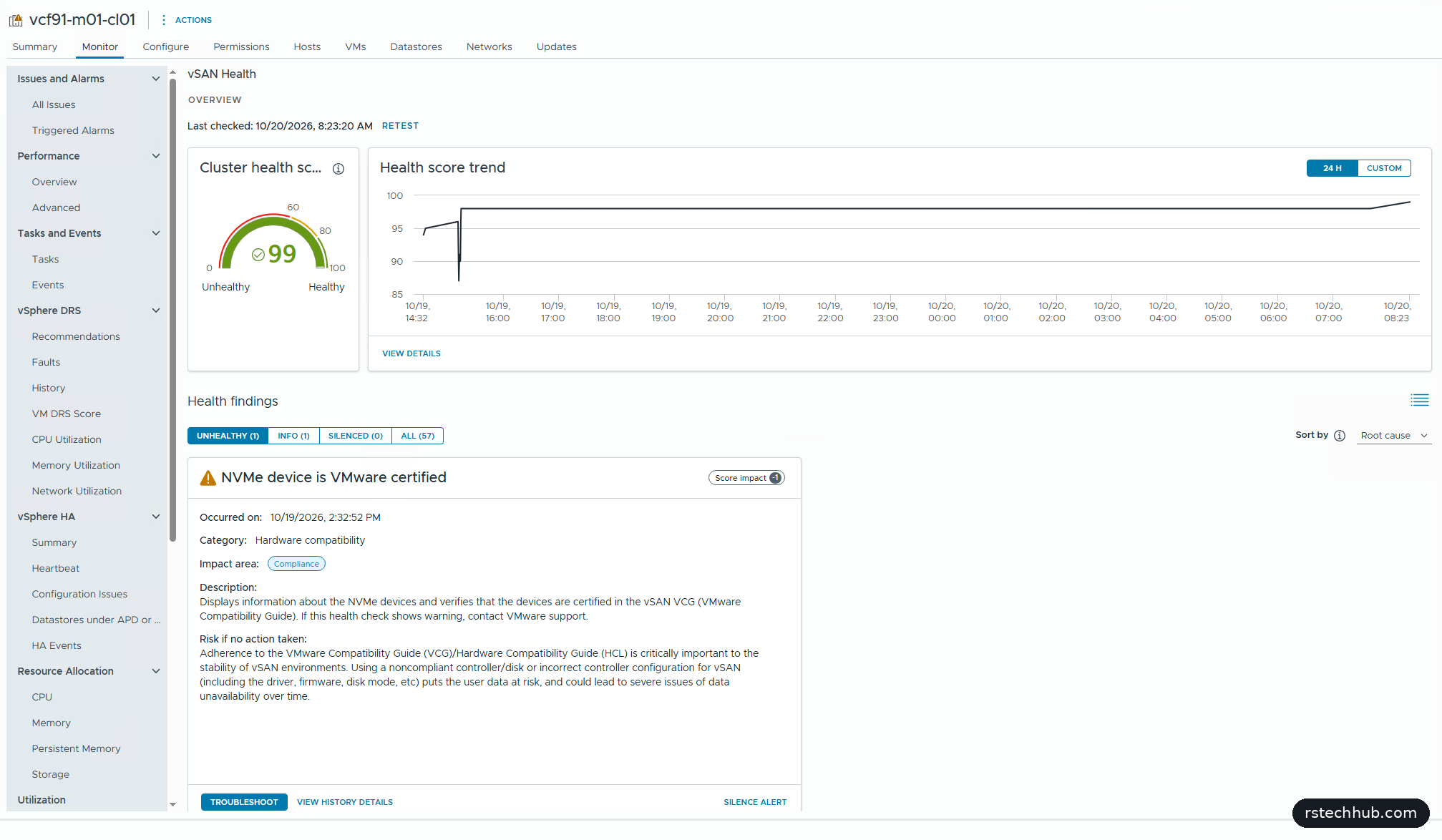
| NVMe device is VMware certified | vSAN Skyline Health | Silenced: lab hardware |
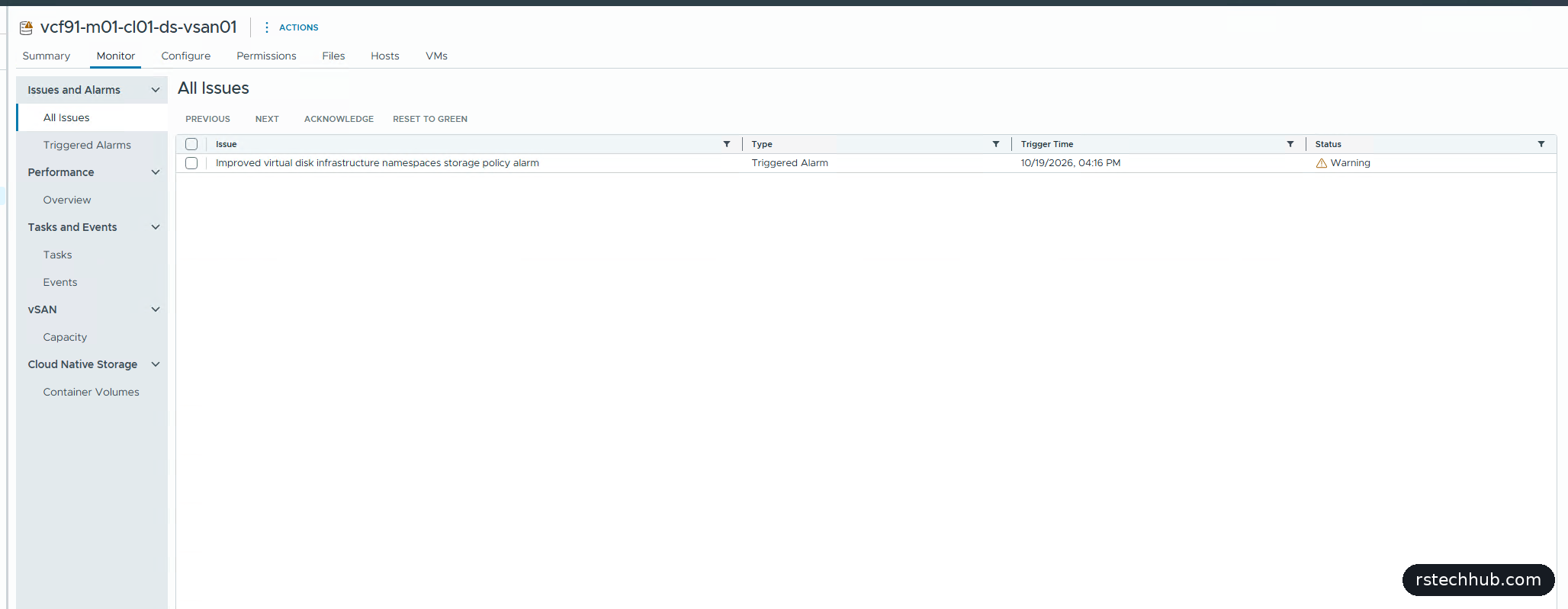
| Improved virtual disk storage policy | vCenter, vSAN datastore | Acknowledged: benign (KB 315519) |
| IP Pool Usage Very High | NSX | Fixed: TEP pool extended |
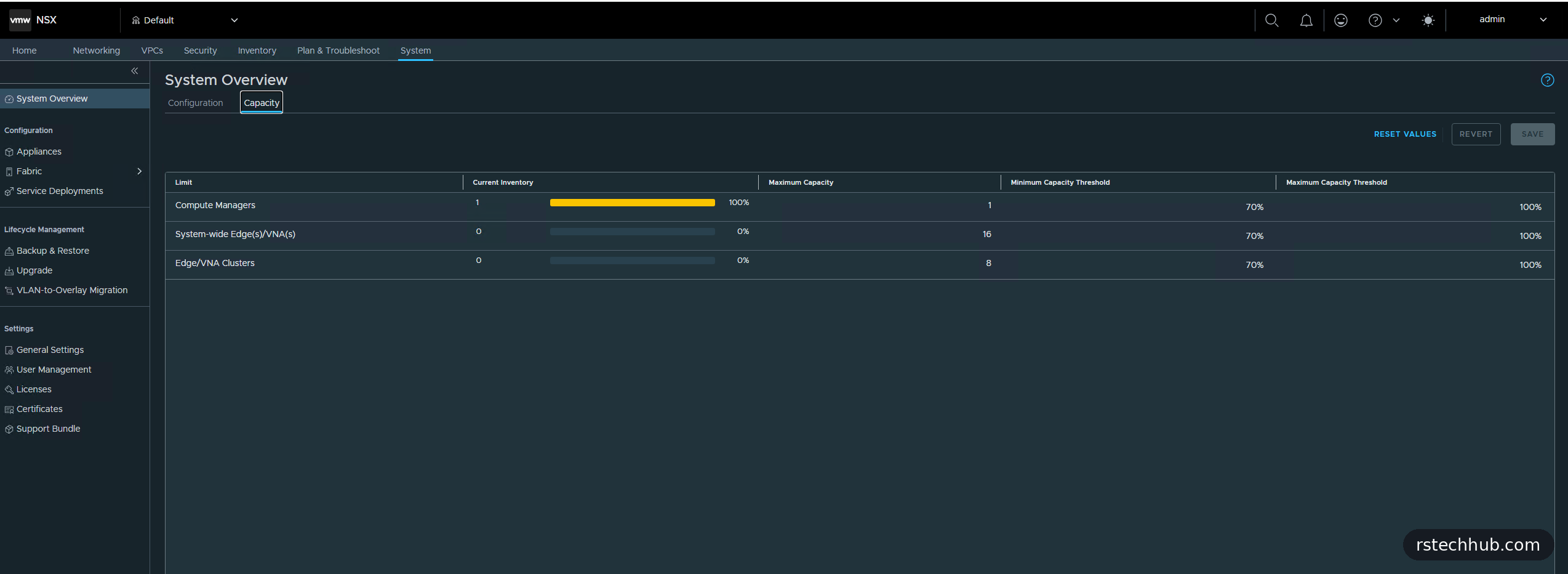
| Minimum Capacity Threshold | NSX | Acknowledged: by design in VCF 9 |
| Remote logging not configured | NSX and VCF Operations | Deferred to the log management post |
vSAN and vCenter
vSAN cluster compliance: resync traffic on 10GbE
Skyline Health scored the cluster 98 with two findings. The interesting one was “vSAN cluster compliance”. Its troubleshoot view explains that resync traffic optimisation isn’t enabled. vSAN ESA expects 25GbE, and on 10GbE a large resync (maintenance mode, a rebalance, a policy change) can crowd out VM traffic. The Host configuration details tab showed the setting at 0 on all four hosts.

The fix is one advanced host setting, VSAN.DOMNetworkSchedulerThrottleComponent, documented in Broadcom KB 394932 and KB 410662. It applies straight away and survives reboots. I set it on all four hosts in one go with PowerCLI.
Only do this on 10GbE. Broadcom is clear that on 25GbE or faster it slows resyncs down. After a retest the finding cleared and the score went to 99.
NVMe device is VMware certified
The other finding is the HCL warning from Part 4: my P4610s aren’t on the vSAN ESA list. It’s expected in this lab, so I silenced it in Skyline Health. Silencing only hides the finding, and it can be restored from the Silenced tab.
Improved virtual disk infrastructure namespaces storage policy alarm
The vSAN datastore raised this one during bring-up. The deployment assigns a storage policy for Improved Virtual Disks (also called First Class Disks), but the hidden home object that policy applies to is only created when the first such disk exists. Until then vCenter raises a warning. Broadcom KB 315519 says it’s benign and can safely be ignored, and that removing the policy assignment isn’t supported. I acknowledged it. Reset to Green would only bring it back.
NSX
NSX had four alarms. Two are covered here. The other two are about remote logging, which I cover with VCF Operations below.
IP Pool Usage Very High
This one was my own sizing: I’d given the host TEP pool eight addresses, and each host takes two, so four hosts filled it. I extended the range to sixteen in Networking, IP Address Pools, leaving the pool’s VCF tag alone, and the alarm resolved.
Minimum Capacity Threshold
This one is about Compute Managers. System, Overview, Capacity shows 1 of a maximum of 1, because in VCF 9 each NSX Manager serves one vCenter. One vCenter is therefore always 100%, over the 70% warning threshold. Every VCF 9 deployment will show this, so I acknowledged it.
VCF Operations and remote logging
VCF Operations had one finding: no ESX host sends syslog anywhere. NSX raises the matching pair of “Remote Logging Not Configured” alarms. These are real gaps rather than noise. The fix is VCF’s log management, which deserves its own post in this series, so I left them open until then.
What’s next
With every warning fixed, silenced for a reason or understood, the platform is healthy. Part 7 sets up backups for vCenter, SDDC Manager and NSX on my Synology NAS over SFTP.