
Latest posts
-
Core Infrastructure, Part 7: A Windows Server 2022 Template That Activates Itself
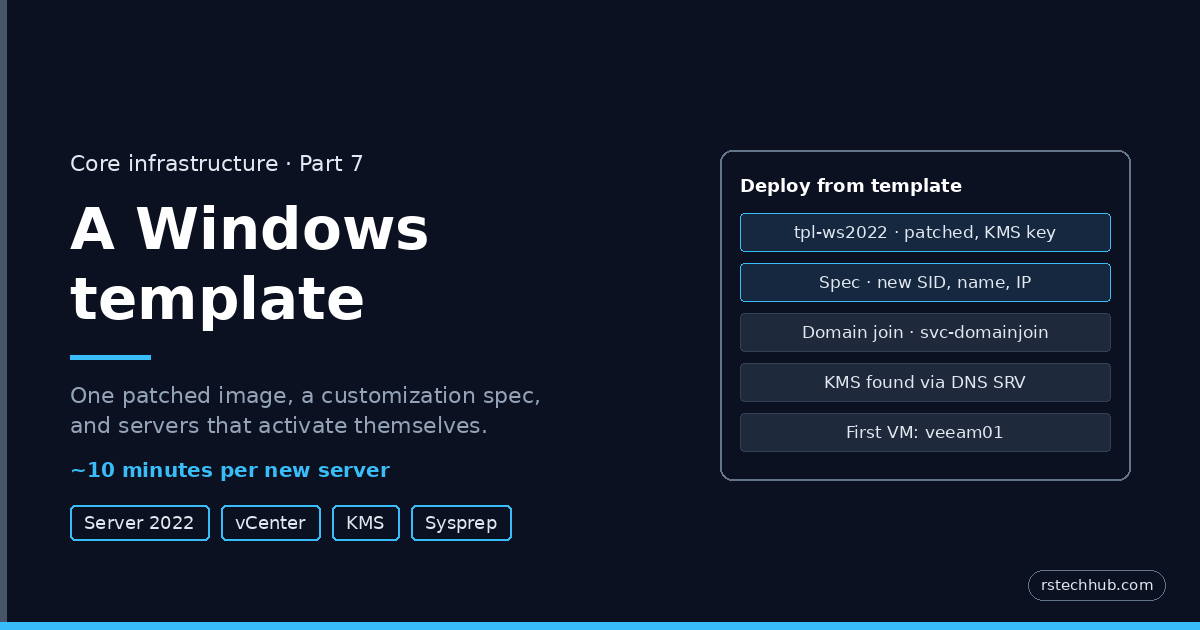
One patched Windows Server 2022 template, a vCenter customization spec and a KMS SRV record: new domain-joined, activated servers in about ten minutes.
-
Core Infrastructure, Part 6: A Git Server for the Lab
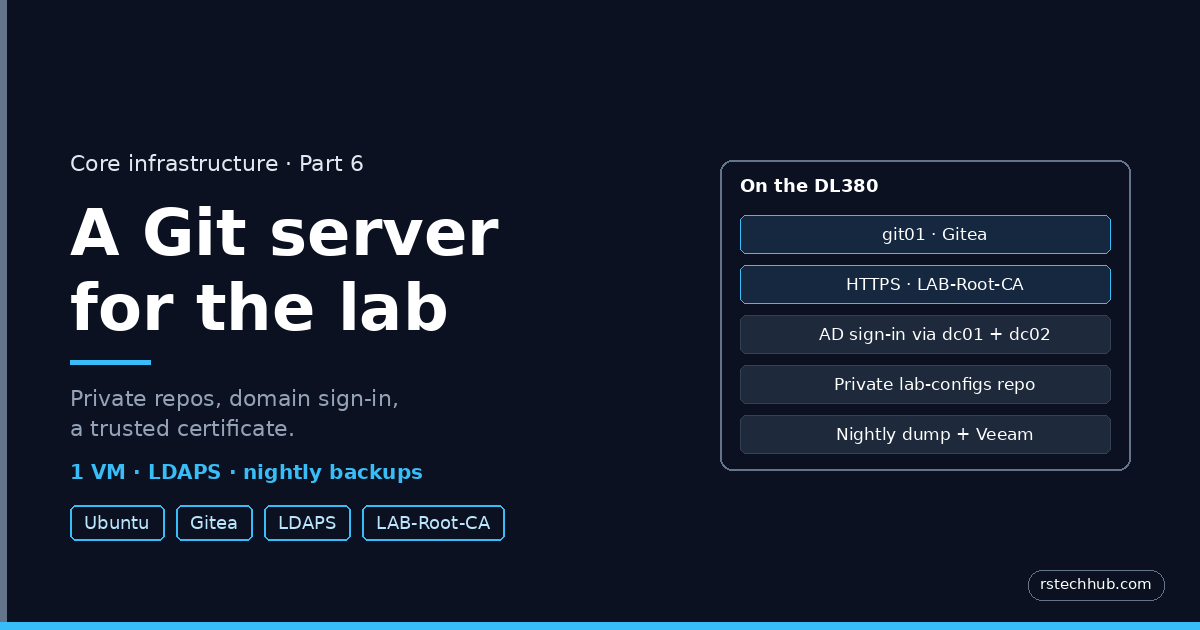
A private Git server for the lab: Gitea on Ubuntu, AD sign-in over LDAPS, a certificate from the lab CA, and nightly backups.
-
Core Infrastructure, Part 5: The Management vCenter
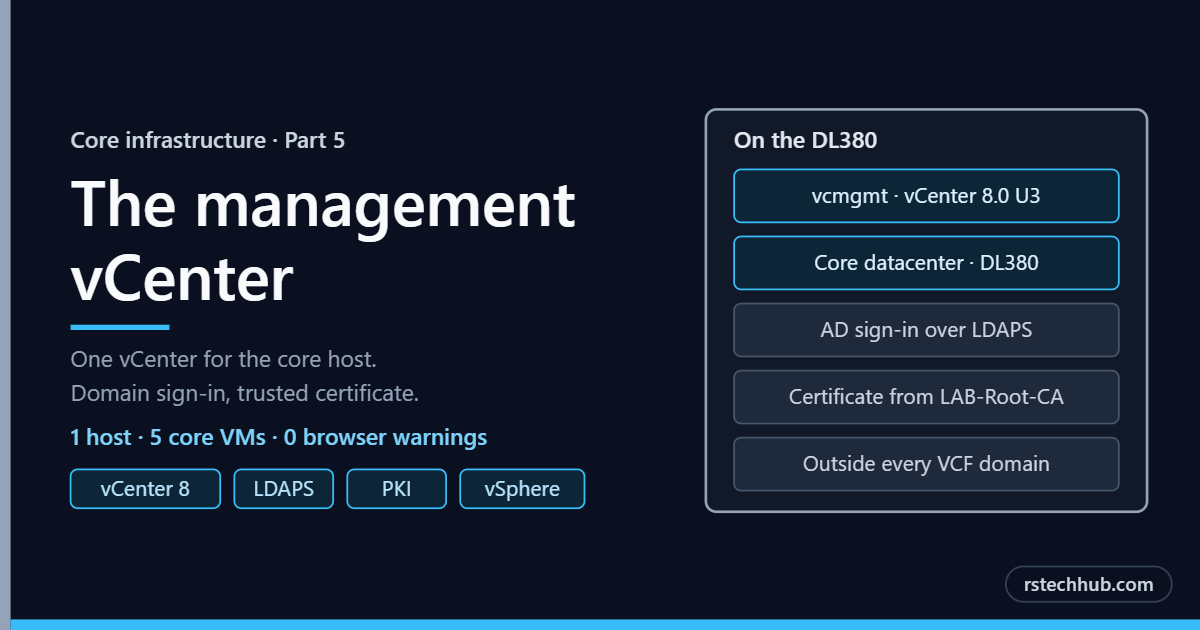
Updated 25 September 2026: added the full build steps, commands and a link to the PowerShell scripts. With the domain and the certificate authority in place, the core host needed one more thing: a vCenter of its own. The first half covers why it exists and the decisions behind it. The second half is the…
-
Core Infrastructure, Part 4: A Certificate Authority for the Lab
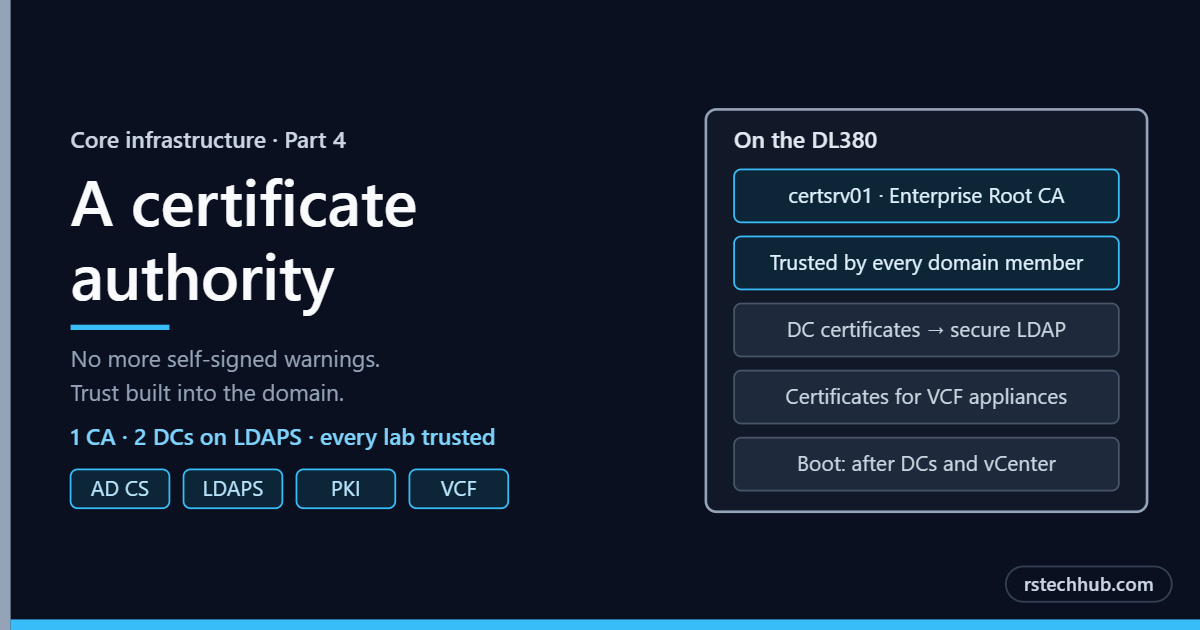
Updated 25 September 2026: added the full build steps, commands and the PowerShell scripts. Part 3 gave the lab two domain controllers. This part adds the piece that makes every other service trustworthy: a certificate authority of my own. PowerShell script for this post: Set-IdracCertificate.ps1, free on GitHub. Why a lab needs its own CA…
-
Core Infrastructure, Part 3: Building the Domain Controllers
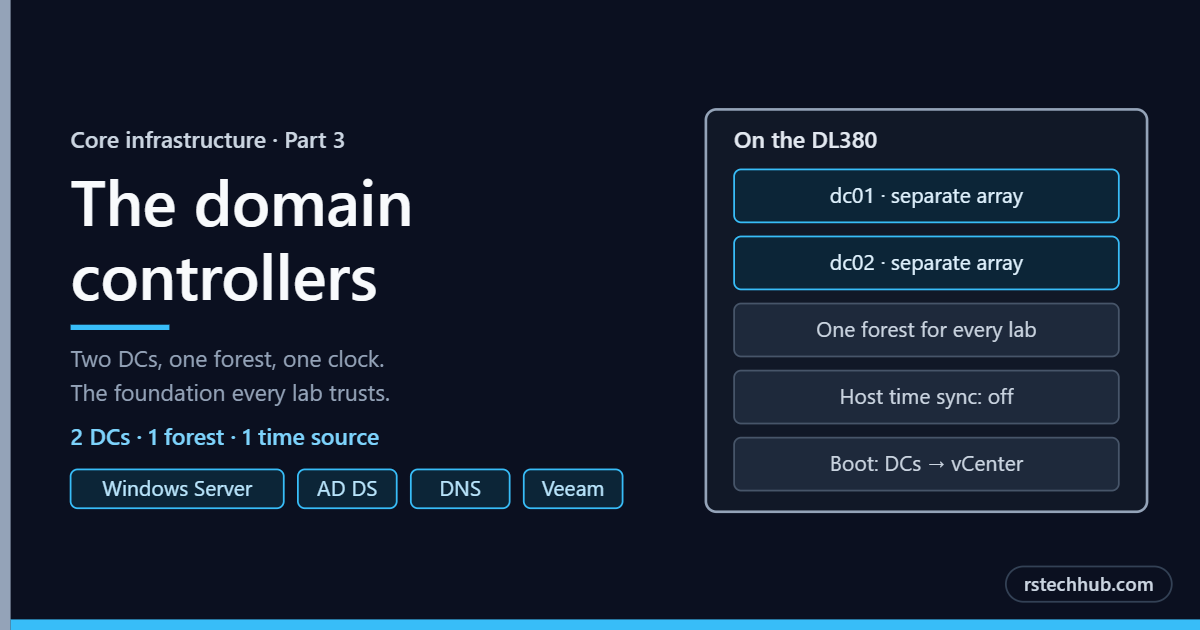
Building the two domain controller VMs on the DL380: the VM spec, keeping the host’s clock out of the DC, why you never clone a domain controller, and boot order.
-
Core Infrastructure, Part 2: The DL380 Core Host
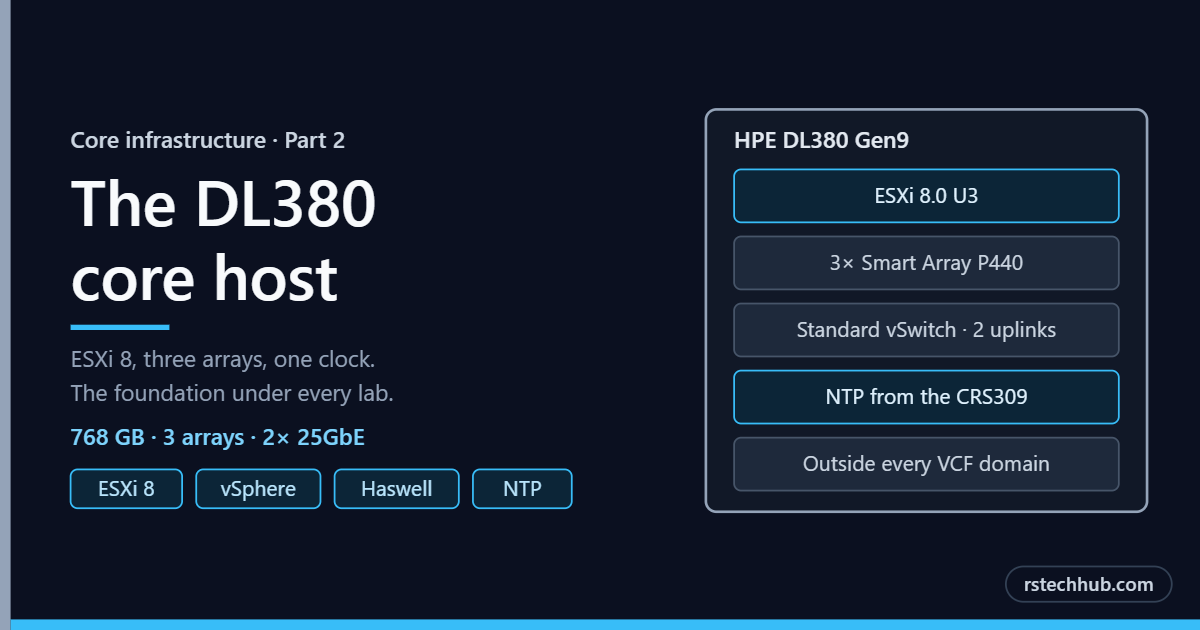
The HPE DL380 Gen9 that runs every shared lab service: why it stays on ESXi 8, how its storage, networking and time are set up, and what has to be true before the domain controllers go on it.
-
Core Infrastructure, Part 1: Designing DNS, AD and Time
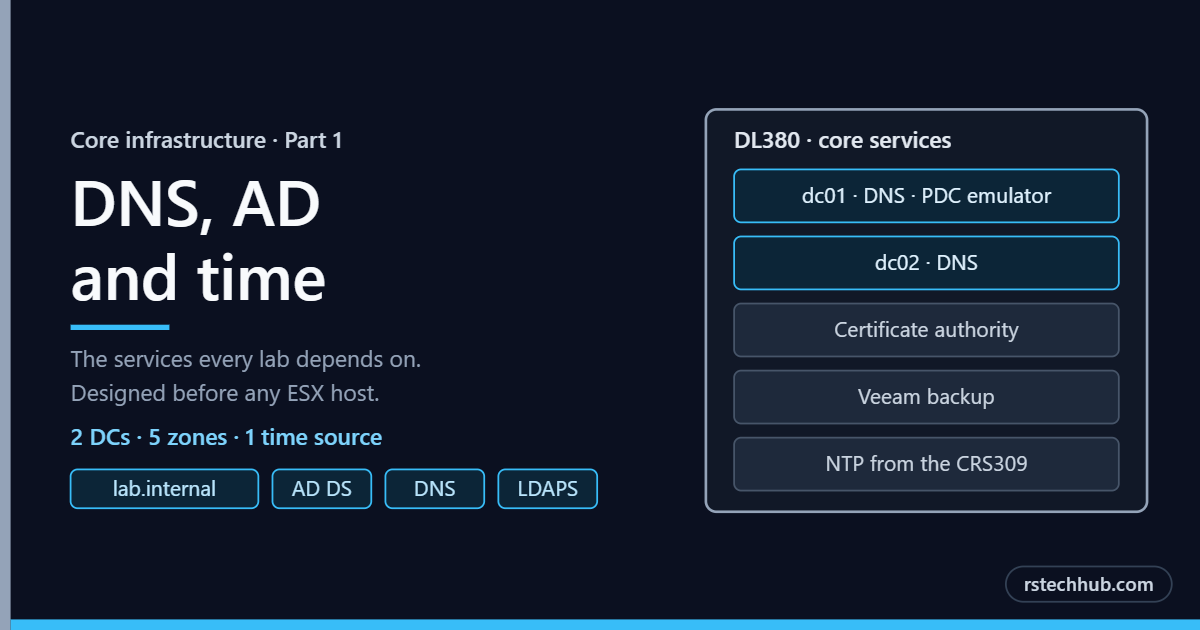
How the shared lab services are designed: two domain controllers on the DL380, a DNS zone per lab, a single time source, and a VLAN 41 address plan that four labs can share without clashing.