
Latest posts
-
Backing Up the Lab with Veeam, Part 6: The Whole Design in One Picture

The series started with one Veeam server and ended with three copies of the lab’s backups. This post puts the whole design on one page and says what is still open. The picture Follow the numbers. Veeam01 reads the lab VMs and writes the nightly backups to the primary repository. Two Backup Copy jobs then…
-
Backing Up the Lab with Veeam, Part 5: A Second Synology Repo with LACP on MikroTik
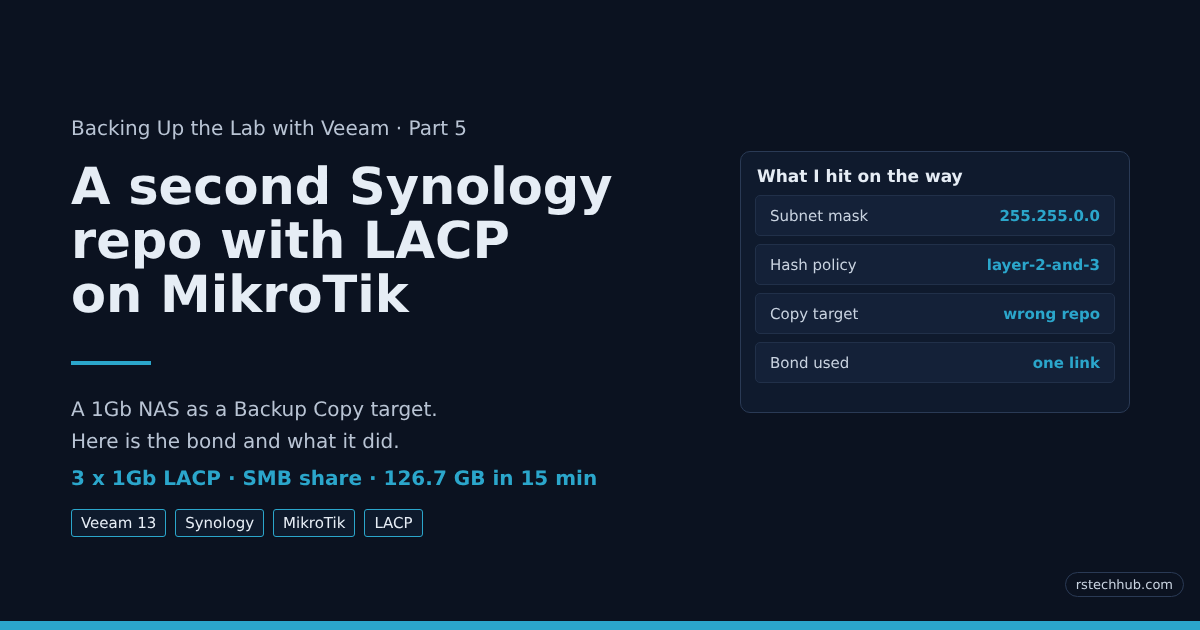
Why I added a second Synology repo I already have a 10Gb Synology that takes my Veeam backups. One copy of a backup is a hope, not a plan, so I added a second Synology as a Backup Copy target. This one only has 1Gb ports. Four of them. A single 1Gb link would crawl…
-
Backing Up the Lab with Veeam, Part 4: Rebuilding a Hardened Repository on Synology iSCSI

In Part 2 I built vhr01, a hardened Linux repository that keeps my Veeam backup copies immutable for 7 days. Its repository disk was a VMDK on my old TrueNAS box, the Dell R620. When I replaced the R620 with an R730xd, that disk went with it. This time I didn’t want the immutable copies…
-
TrueNAS Scale on a Dell R730xd — Part 8: 64K or 16K Recordsize for VMs over NFS?
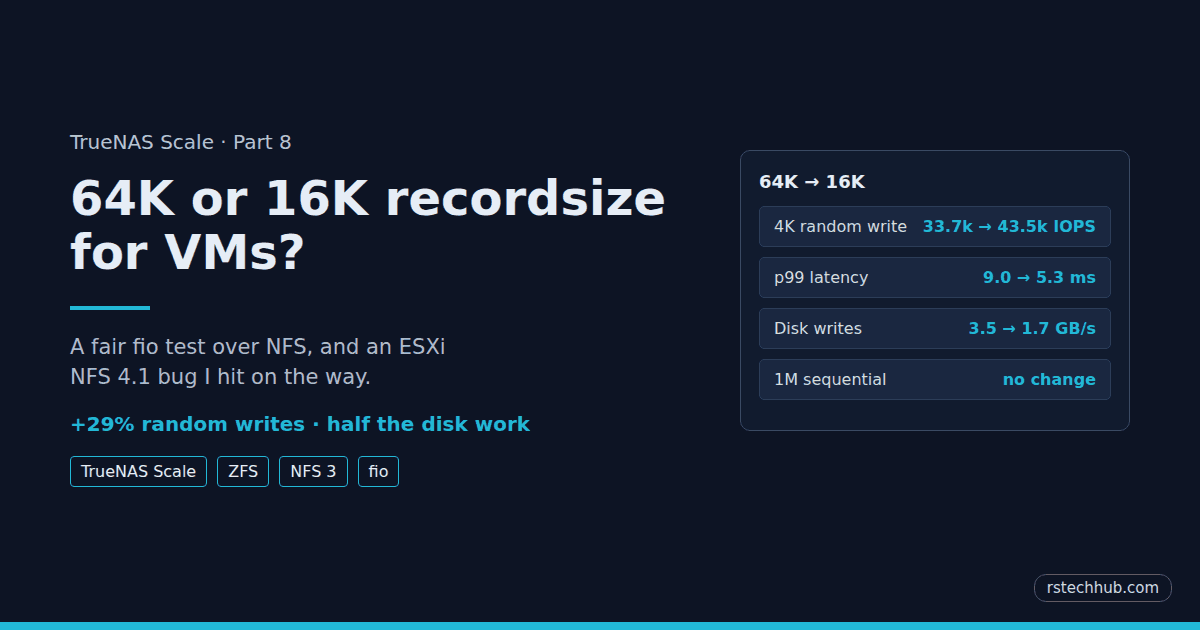
In Part 7 a SLOG doubled random write speed on my VM datastore. One number from that test kept bugging me, though. fio in the VM wrote 72 MB/s, and zpool iostat showed the pool writing over 900 MB/s at the same time. That gap is the recordsize. My vmware dataset uses 64K records. When…
-
TrueNAS Scale on a Dell R730xd — Part 7: Does a SLOG Help VMs over NFS?

Update, October 2026: the VM datastore has since moved to a 16K recordsize dataset over NFS 3. The 64K results below are still valid as the before and after for the SLOG. See Part 8 for the recordsize test. In Part 6 I built a new pool on the R730xd: 22 used 10K SAS drives…
-
TrueNAS Scale on a Dell R730xd — Part 6: Replacing the R620 and Fixing DIF-Formatted SAS Drives

The R620 ran out of space. 24 used IBM SAS drives in an R730xd were the answer, once TrueNAS stopped rejecting them. How I stripped DIF/T10-PI with sg_format.
-
Backing Up the Lab with Veeam, Part 3: Upgrading to v13.1
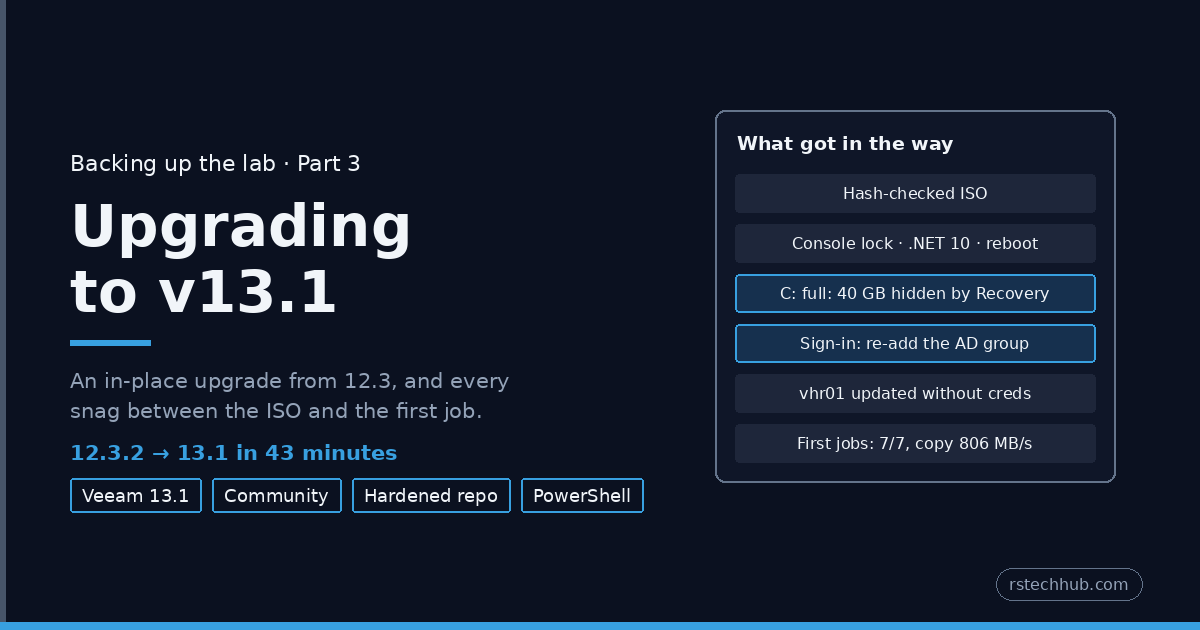
An in-place upgrade of Veeam Backup & Replication Community Edition from 12.3.2 to 13.1: verifying the ISO, a locked console, a reboot mid-wizard, a C: drive with 40 GB hidden behind a Recovery partition, a sign-in error on the named admin, and a hardened repository that updated itself.
-
Lab Maintenance: Nightly vCenter Backups to TrueNAS NFS, and a Full Restore Test
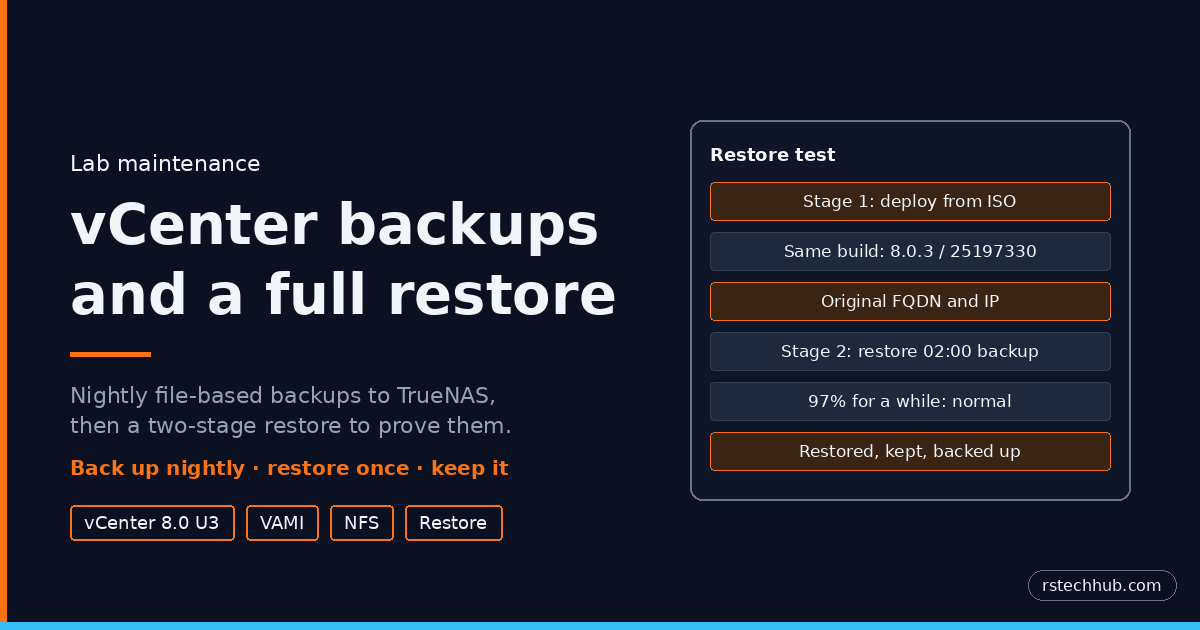
Daily file-based vCenter backups to a TrueNAS NFS share, then a full two-stage restore to prove them: matching the installer build, the PNID check that rejects a temporary IP, the long wait at 97%, and the Veeam job that needed fixing afterwards.
-
ESXi 8.0 U3 and TrueNAS NFS 4.1: The Thin Disk That Was 0 Bytes
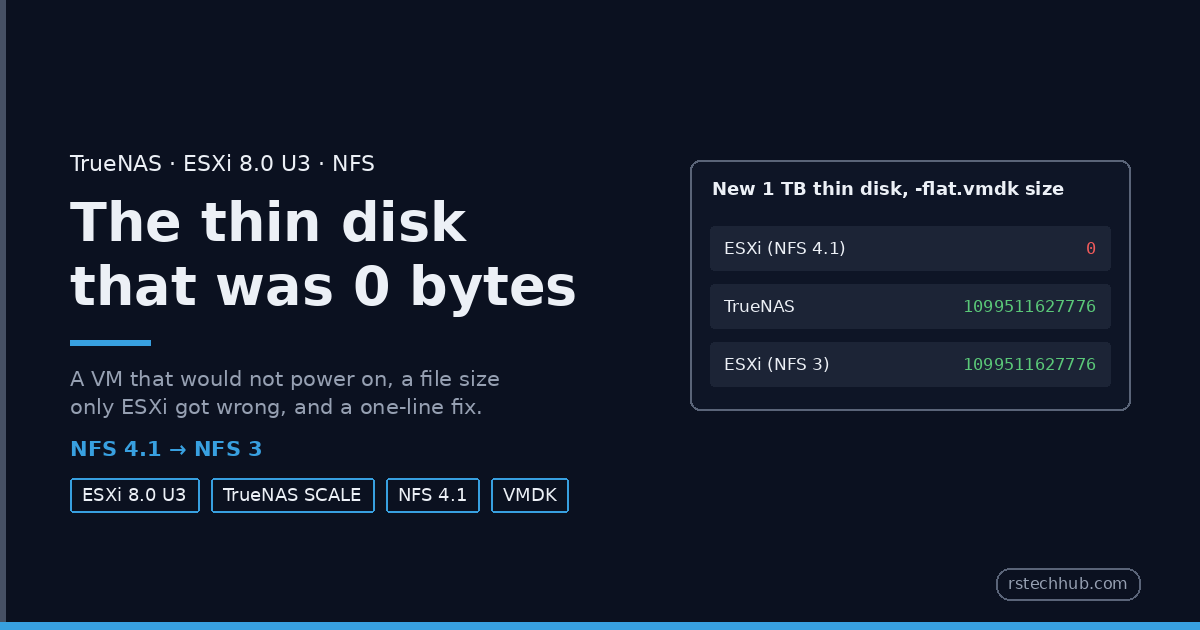
A thin VMDK on a TrueNAS NFS 4.1 datastore showed 0 bytes on ESXi 8.0 U3 while the NAS had the full size, and the VM would not power on. How I found it, and why NFS 3 fixed it.
-
Backing Up the Lab with Veeam, Part 2: Backups Nobody Can Delete
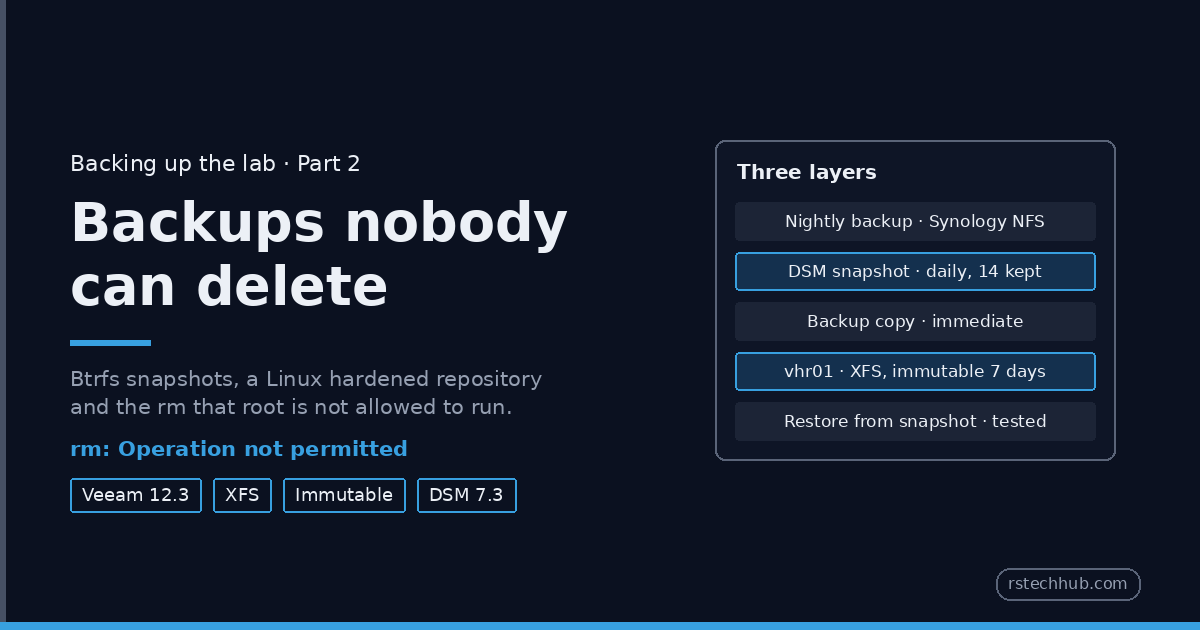
Part 2 of backing up the lab with Veeam: daily Btrfs snapshots on the Synology, a restore test from a snapshot, and a Linux hardened repository where not even root can delete the backups.