
A while ago a VLAN change took down one of my MikroTik switches, and I had to reset it by hand. What I wanted afterwards was simple: a copy of every switch config from last night, and a way to see exactly what changed. Now that the lab has its own Git server, that takes one script and a cron job.
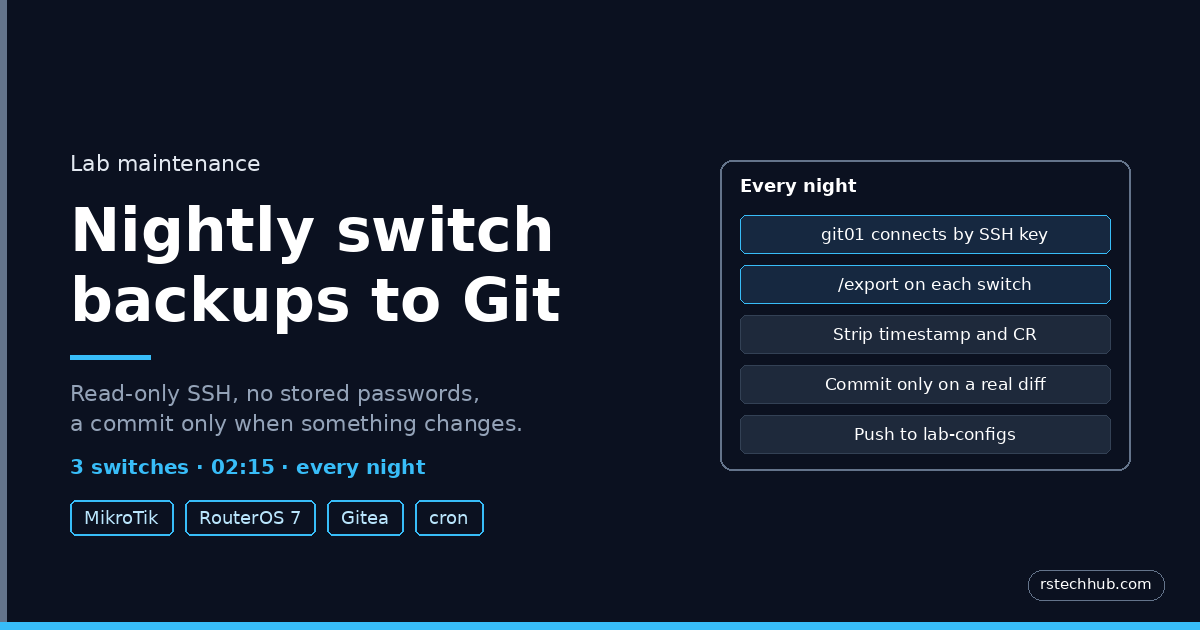
Every night at 02:15, git01 exports all three switches, and if anything changed, it commits the new config to a private repository. If nothing changed, it does nothing. After any change I can open the commit and see the lines that moved.
The IP addresses below are examples, not the ones in my lab.
Script for this post: switch-backup.sh, with example addresses, free on GitHub.
How it fits together
| Piece | What it does |
|---|---|
| netbackup (Linux user on git01) | Runs the job, owns an SSH key with no passphrase |
| netbackup (user on each switch) | Read-only, key login only, allowed from git01’s address alone |
| Deploy key in Gitea | Lets the job push to this one repository and nothing else |
| switch-backup.sh | Exports, cleans, commits only on a real change |
| cron | Runs it at 02:15, before the nightly Gitea dump |
No password is stored anywhere, and the account the job uses on the switches cannot change a thing.
1. A service user and key on the Git server
sudo adduser --disabled-password --gecos 'Switch backup' netbackup
sudo -u netbackup ssh-keygen -t rsa -b 4096 -N '' -f /home/netbackup/.ssh/id_rsa -C netbackup@git01
sudo -u netbackup git config --global user.name  "Switch Backup"
sudo -u netbackup git config --global user.email "netbackup@lab.internal"
I used RSA because every RouterOS version accepts it. The key has no passphrase so it can run unattended, and it only unlocks a read-only account.
2. A read-only user on each switch
From the Git server, for each switch:
sudo cp /home/netbackup/.ssh/id_rsa.pub /tmp/netbackup.pub
ssh admin@192.168.10.1 '/user group add name=backup policy=ssh,read'
ssh admin@192.168.10.1 "/user add name=netbackup group=backup address=192.168.10.28/32 password=$(openssl rand -base64 24)"
ssh admin@192.168.10.1 "/user ssh-keys add user=netbackup key=\"$(cut -d' ' -f1,2 /tmp/netbackup.pub)\""
The backup group only has ssh and read. Without the sensitive policy, RouterOS leaves passwords and keys out of the export, so no secrets end up in Git. The address setting means the account only works from the Git server. The password is random and never used.
On older RouterOS versions you upload the key file with scp and run /user ssh-keys import instead. On one of my switches the uploaded file never appeared, and adding the key as text worked first time.
Test it. BatchMode means it fails instead of asking for a password:
sudo -u netbackup ssh -o BatchMode=yes netbackup@192.168.10.1 '/system identity print'3. A deploy key in Gitea
In the repository, Settings, Deploy Keys, Add Deploy Key: paste the public key and tick Enable Write Access. A deploy key belongs to one repository, so the job can push to lab-configs and nowhere else. Then clone it as the service user:
sudo -u netbackup git clone git@git.lab.internal:labgit/lab-configs.git /home/netbackup/lab-configs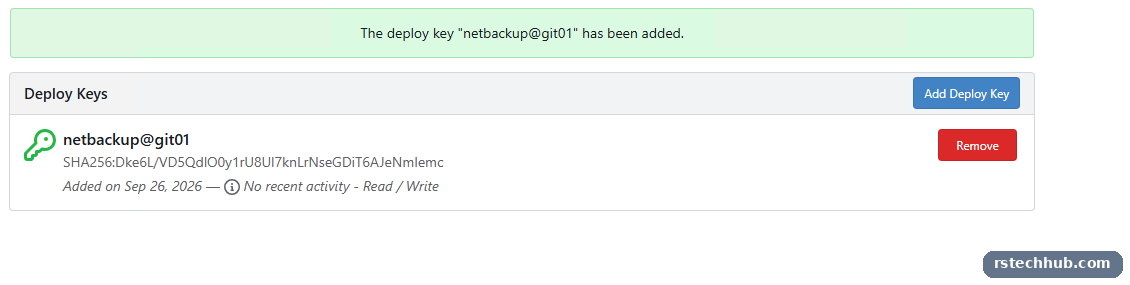
4. The script
/usr/local/bin/switch-backup.sh:
#!/bin/bash
# Nightly MikroTik config backup to Gitea
set -u
REPO=/home/netbackup/lab-configs
SWITCHES="crs309:192.168.10.1 crs326-24s:192.168.10.3 crs326-24g:192.168.10.4"
cd "$REPO" || exit 1
git pull -q --ff-only || { echo "$(date -Is) git pull failed"; exit 1; }
failed=""
for s in $SWITCHES; do
  name=${s%%:*}; ip=${s#*:}
  if ssh -o BatchMode=yes -o ConnectTimeout=15 netbackup@"$ip" /export > "mikrotik/$name.tmp" 2>/dev/null && [ -s "mikrotik/$name.tmp" ]; then
    tr -d '\r' < "mikrotik/$name.tmp" | sed '1{/^# .* by RouterOS/d}' > "mikrotik/$name.rsc"
  else
    failed="$failed $name"
  fi
  rm -f "mikrotik/$name.tmp"
done
git add mikrotik/*.rsc
if git diff --cached --quiet; then
  echo "$(date -Is) no changes${failed:+, failed:$failed}"
else
  git commit -q -m "Nightly switch backup $(date +%F)${failed:+ (failed:$failed)}"
  git push -q && echo "$(date -Is) committed and pushed${failed:+, failed:$failed}"
fi
Three details make it useful rather than noisy:
- The first line of every RouterOS export is a timestamp. Left in, every night would count as a change. The
sedremoves it. - RouterOS sends Windows line endings.
trstrips them so the diffs stay clean. - If a switch is down, the others are still backed up, and the commit message names the one that failed.
Run it twice by hand. The first run commits. The second should say no changes, which proves it only commits when something really changed.
5. Schedule it
sudo touch /var/log/switch-backup.log
sudo chown netbackup:netbackup /var/log/switch-backup.log
echo '15 2 * * * netbackup /usr/local/bin/switch-backup.sh >> /var/log/switch-backup.log 2>&1' | sudo tee /etc/cron.d/switch-backup
02:15 is deliberate: the nightly Gitea dump runs at 02:30, so it always includes the latest switch configs.
What I get from it
Each night adds one line to the log. When I do change a switch, the next morning there is a commit from Switch Backup, and clicking it shows the exact lines that changed, in red and green. The next time a VLAN change goes wrong, I will know what it was and what to put back.
Things that caught me out
- Because the job pushes on its own, run
git pullbefore working in the repository from another machine, or your push is refused. - The Windows side of Git (internal CA trust, sign-in, PowerShell ISE) has its own gotchas. They are in Part 6.