
Update, October 2026: the R620 has been retired. TrueNAS now runs on a Dell R730xd with far more storage, covered in Part 6. The steps in this post still apply on the new server.
Why I Replaced OMV
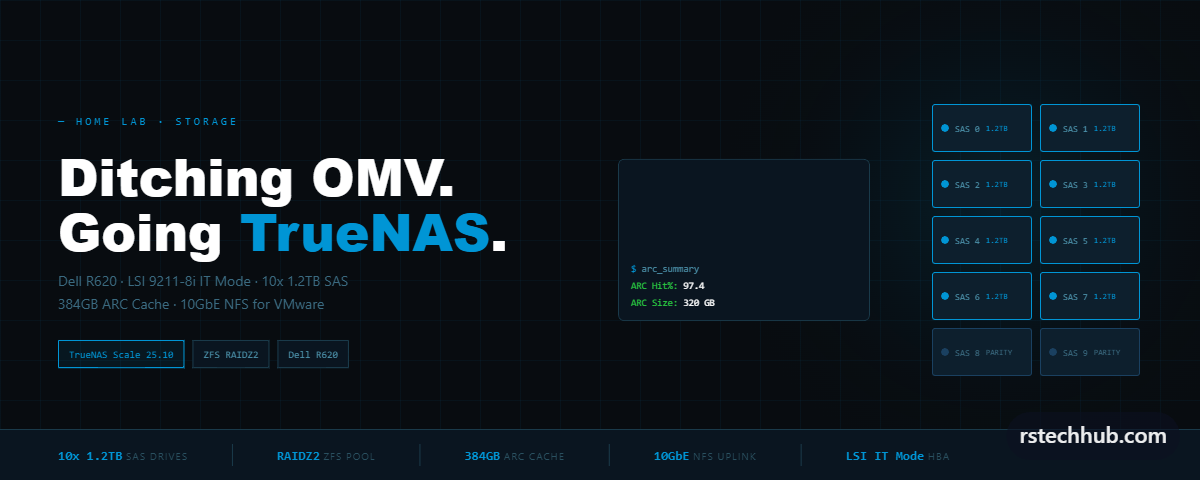
I’ve been running OpenMediaVault on my Dell R620 for a while now. It worked. NFS shares mounted, datastores showed up in vCenter, life went on. But “it worked” is a low bar when you’re serving storage to multiple VMware hosts running VCF 9.0 and 9.1 nested labs. At some point I got tired of fighting OMV every time I needed to do something that should have been simple.
This is Part 1 covering the reasons I switched and the full installation process. Part 2 will cover pool creation, NFS configuration, ZFS tuning, and monitoring.
The first problem was ZFS. OMV supports it through a plugin and that relationship has always been fragile. Updates would occasionally break the ZFS plugin. I’d come back to find NFS exports gone because a package update disrupted something. Not ideal when your VCF management plane depends on that storage.
The second issue was RAM. The R620 has 384GB DDR3 installed. OMV sat there running its file server while hundreds of gigabytes of RAM were completely idle. TrueNAS uses all of that as ARC cache. For nested VMware workloads where you’re booting the same ESXi OVAs repeatedly, that difference is significant.
Third, I replaced the PERC H310 Mini with a proper LSI 9211-8i flashed to IT mode. ZFS needs raw disks. Hardware RAID controllers sitting between ZFS and the drives defeat the whole point. The H310 Mini in passthrough mode has terrible queue depth anyway. Getting a proper IT mode HBA changed everything.
Hardware
- Server: Dell PowerEdge R620
- CPU: 2x E5-2640 (Sandy Bridge, 12 cores / 24 threads)
- RAM: 384GB DDR3 ECC
- Boot: Dell BOSS Card (2x M.2 SATA)
- HBA: LSI 9211-8i in IT mode (replaced H310 Mini)
- Drives: 10x 1.2TB SAS HDDs (EG1200JEMDA)
- NIC: Dell C63DV rNDC — Intel X520 dual 10GbE SFP+ / Intel I350 dual 1GbE
Pre-Install: Firmware Updates
Before touching the OS I updated two things via iDRAC. iDRAC firmware first — version 2.63.60.62 to 2.65.65.65, because newer NIC firmware DUPs use SHA-256 signatures the older iDRAC can’t verify. Found this out the hard way when the NIC update failed with a RED007 error on the first attempt. NIC firmware second — C63DV from 18.0.16 to 22.0.9. Upgrading past 18.5.17 causes a link issue on the X520 ports requiring an AC power cycle afterward. Also switched the Virtual Console plugin from Java to HTML5 — the Java applet is broken on modern Windows.
Installation via iDRAC Virtual Media
No USB stick needed. iDRAC 7 Enterprise gives you Virtual Media — mount an ISO directly from your PC. Downloaded TrueNAS Scale 25.10.4 from truenas.com/download. In the HTML5 Virtual Console, click Connect Virtual Media, browse to the ISO, click Map Device, reboot and press F11 to open the boot menu. Screen sits black for 3-4 minutes before the installer appears. Normal over Virtual Media.
Step 1 — Main Menu

Select Install/Upgrade and press Enter.
Step 2 — Choose Destination Media

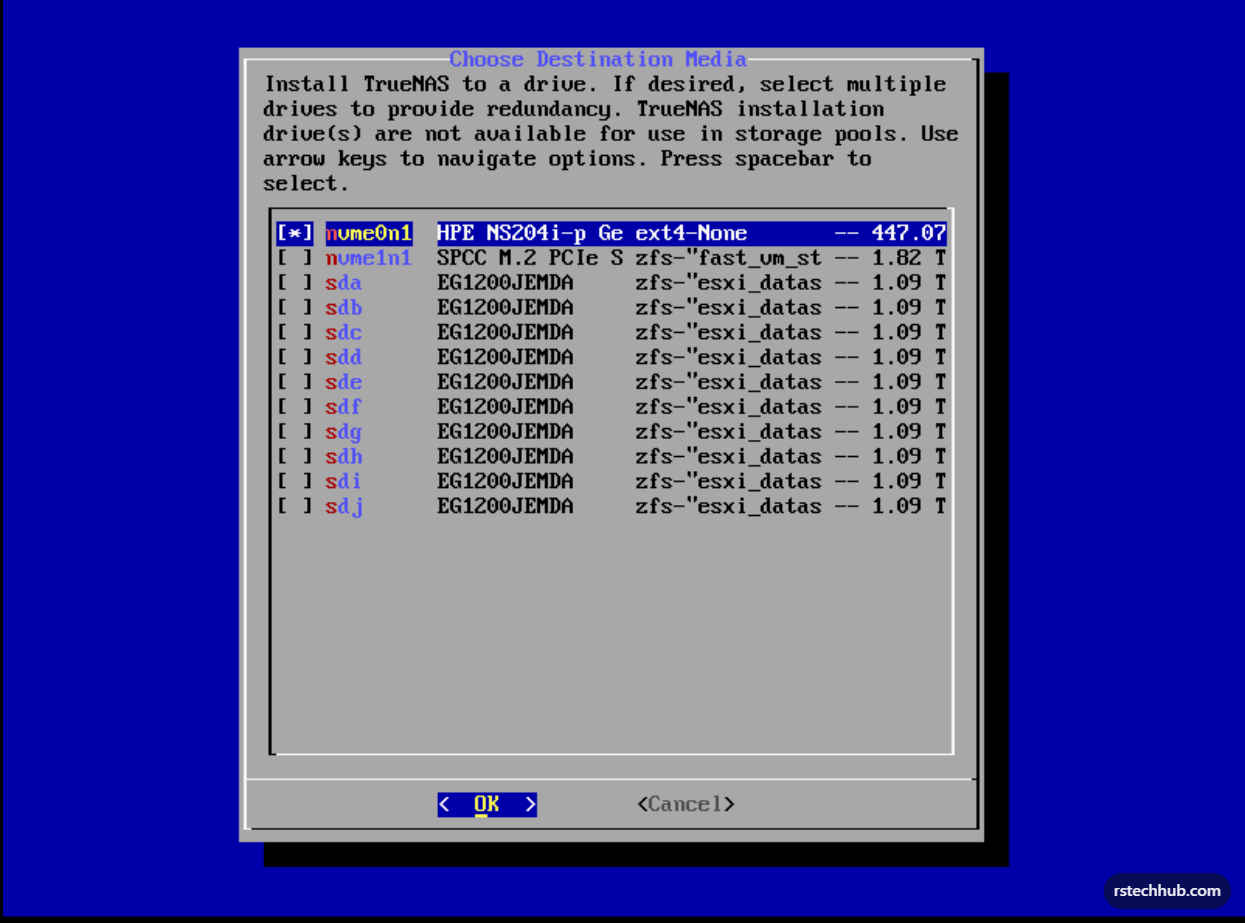
Select nvme0n1 only — the BOSS card at 447GB. The sda through sdj entries are the 10x 1.2TB SAS drives. Do not touch those. Navigate to nvme0n1, press spacebar to select, press Enter on OK.
Step 3 — nvme0n1 Selected
Step 4 — Confirmation

Press Enter on Yes. This only wipes the BOSS card. SAS drives are untouched.
Step 5 — Web UI Authentication Method

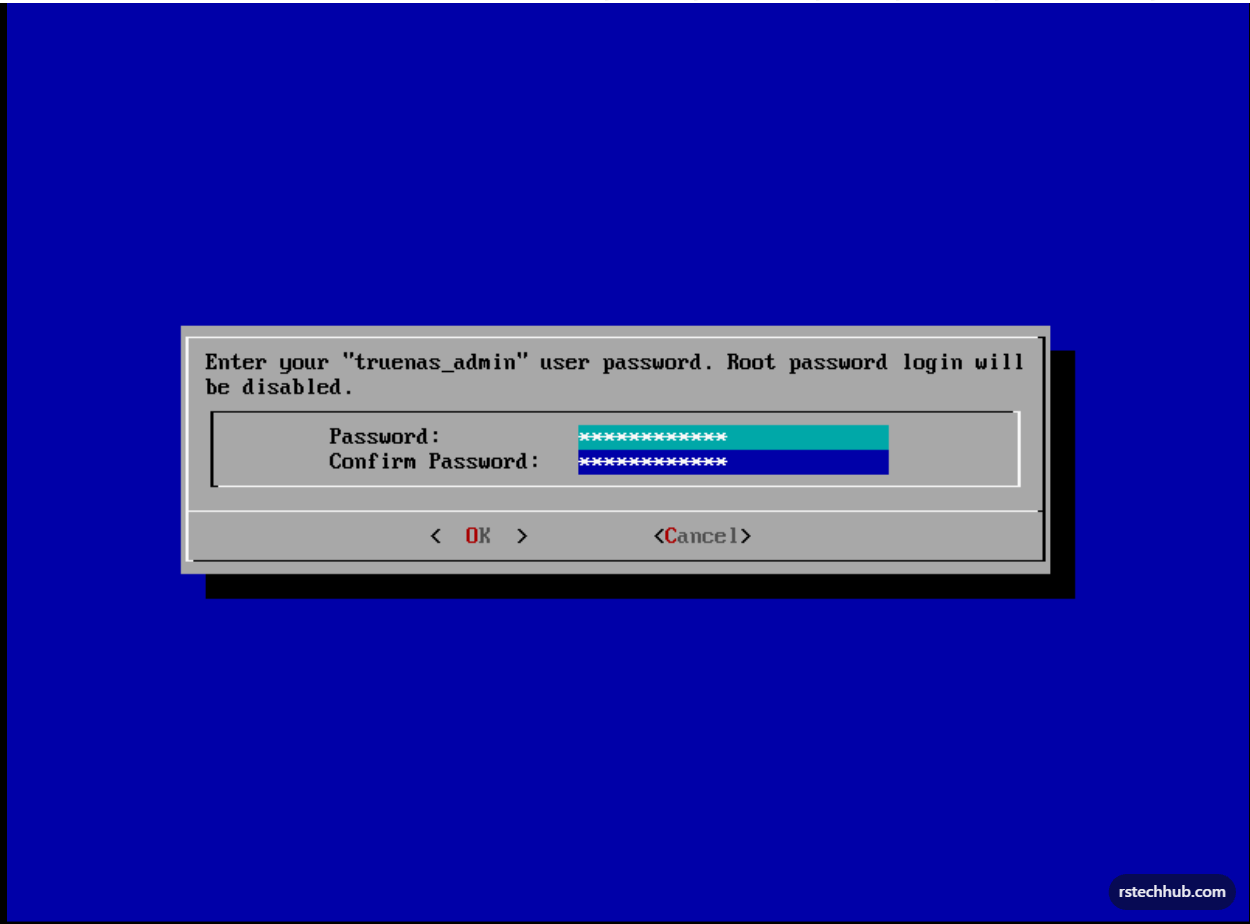
Select option 1 — Administrative user (truenas_admin). Root password login gets disabled. Press Enter on OK.
Step 6 — Set Password
Step 7 — Installation Progress

Step 8 — Installation Succeeded
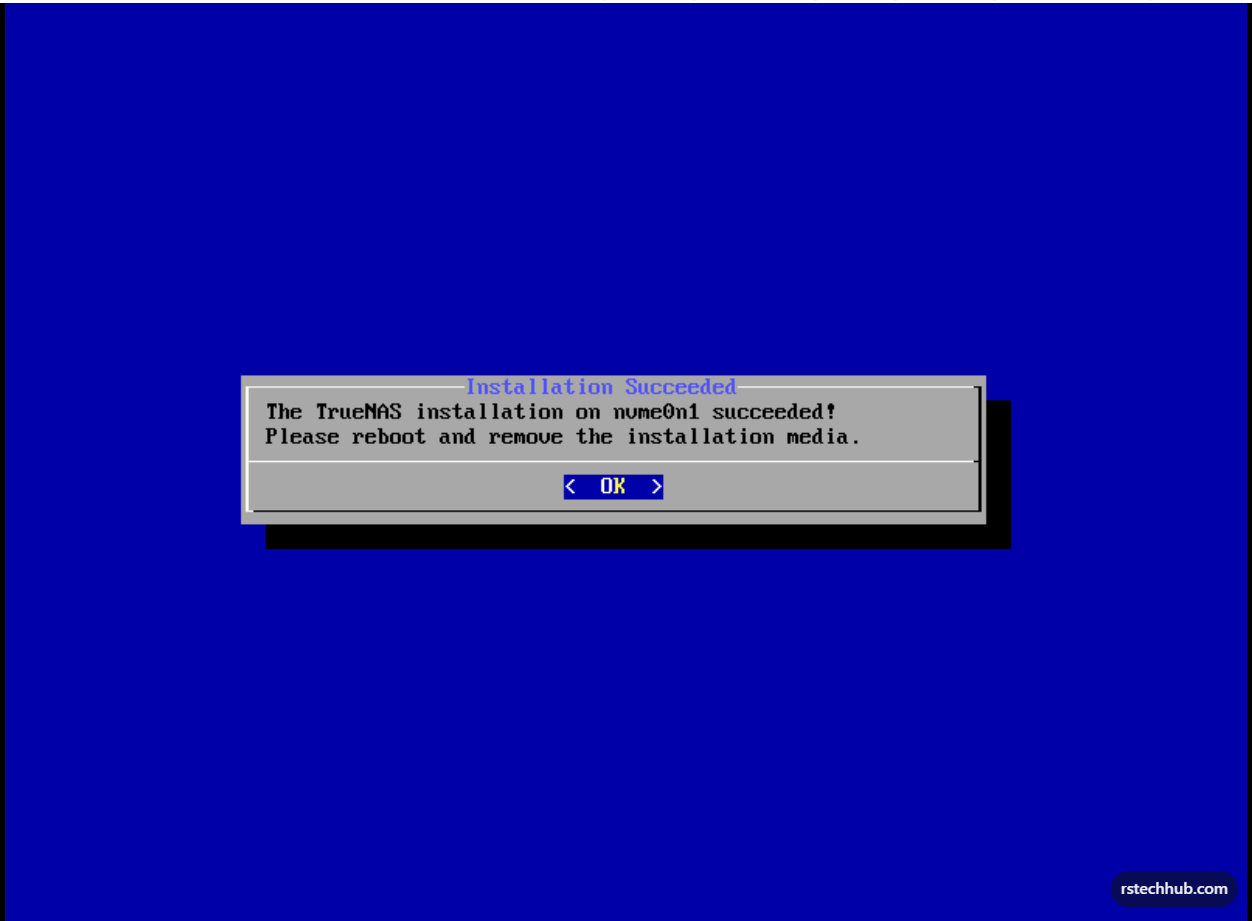
Before rebooting, go to iDRAC Attached Media and click Un-Map Device to disconnect the ISO.
Step 9 — Reboot

Step 10 — Unmapping the ISO

First Boot
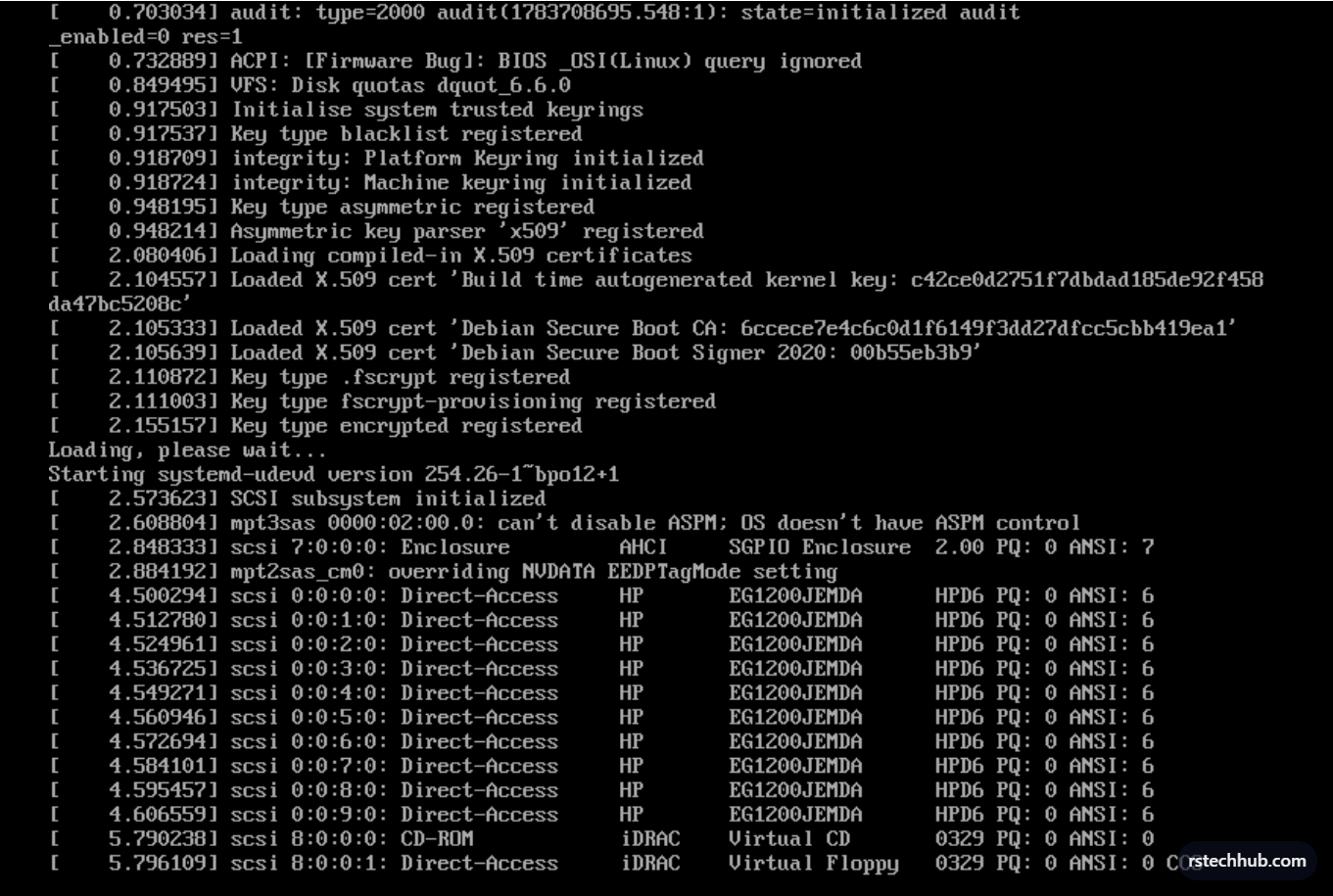
Boot sequence confirmed all 10 EG1200JEMDA SAS drives detected via the mpt3sas driver — the LSI 9211-8i doing its job. ZFS module loaded: version 2.3.4-1, pool version 5000. The kernel taint messages about SPL and ZFS module license are normal on Linux.
Network Configuration
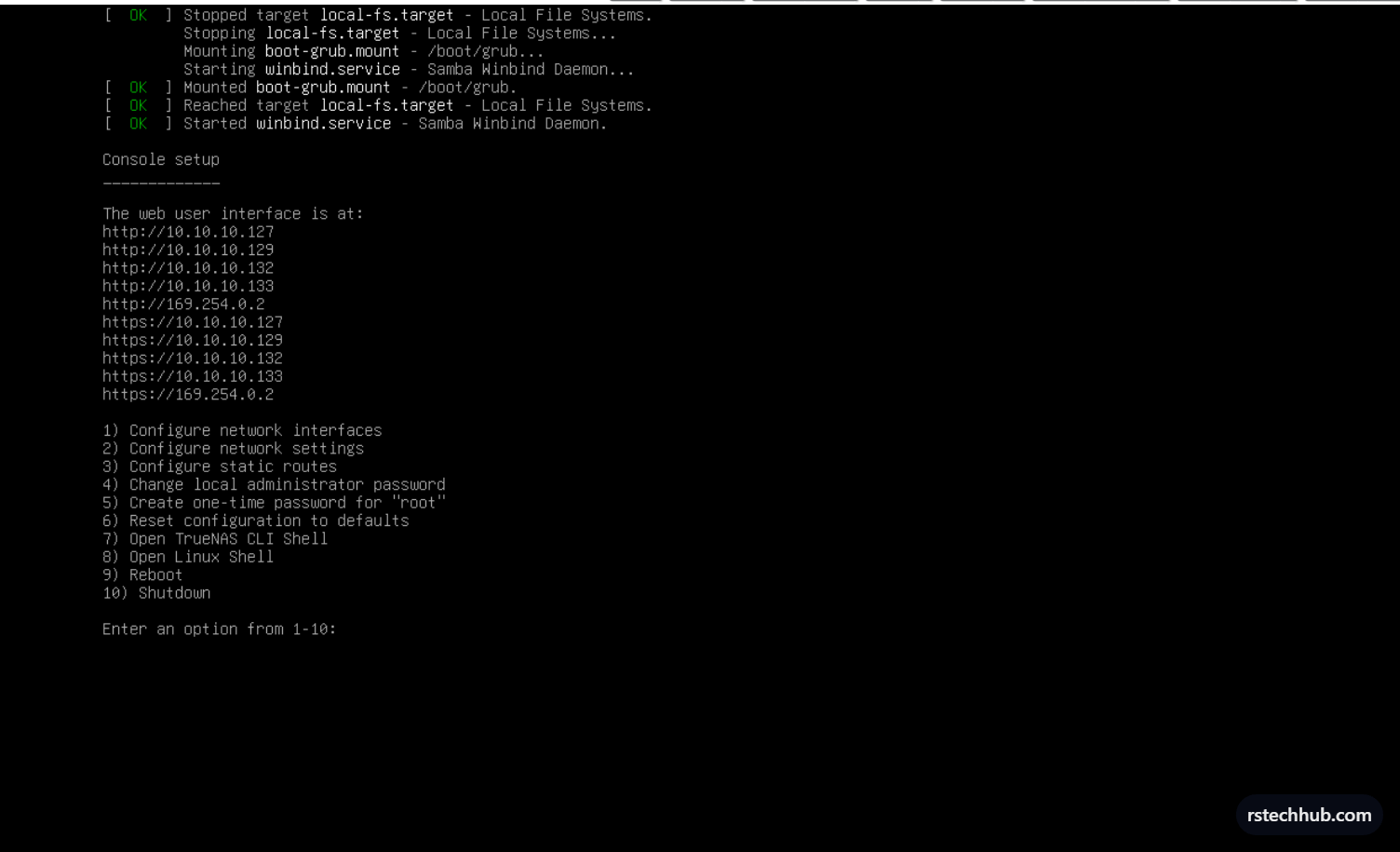
TrueNAS came up with DHCP addresses. First thing — identify which ports are 10GbE vs 1GbE from the Linux shell (option 8 on the console menu):
ethtool eno1 | grep Speed  → 10000Mb/s  (X520 — NFS)
ethtool eno2 | grep Speed  → 10000Mb/s  (X520)
ethtool eno3 | grep Speed  → 1000Mb/s   (I350 — management)
ethtool eno4 | grep Speed  → 1000Mb/s   (I350)
Set eno1 (X520) to static IP x.x.x.x/24 with MTU 9000 for NFS traffic. Applied network changes and persisted with p.
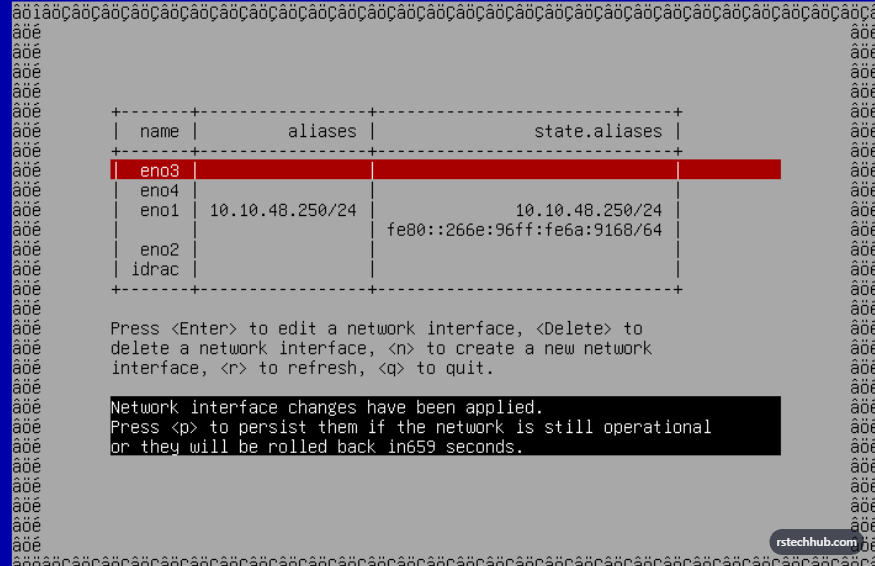
Web UI
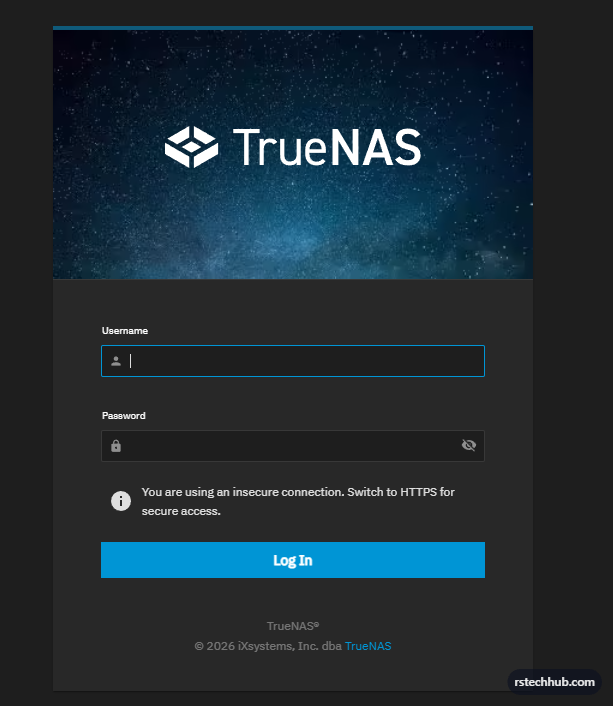
Accessed TrueNAS at https://x.x.x.x. Logged in with truenas_admin.
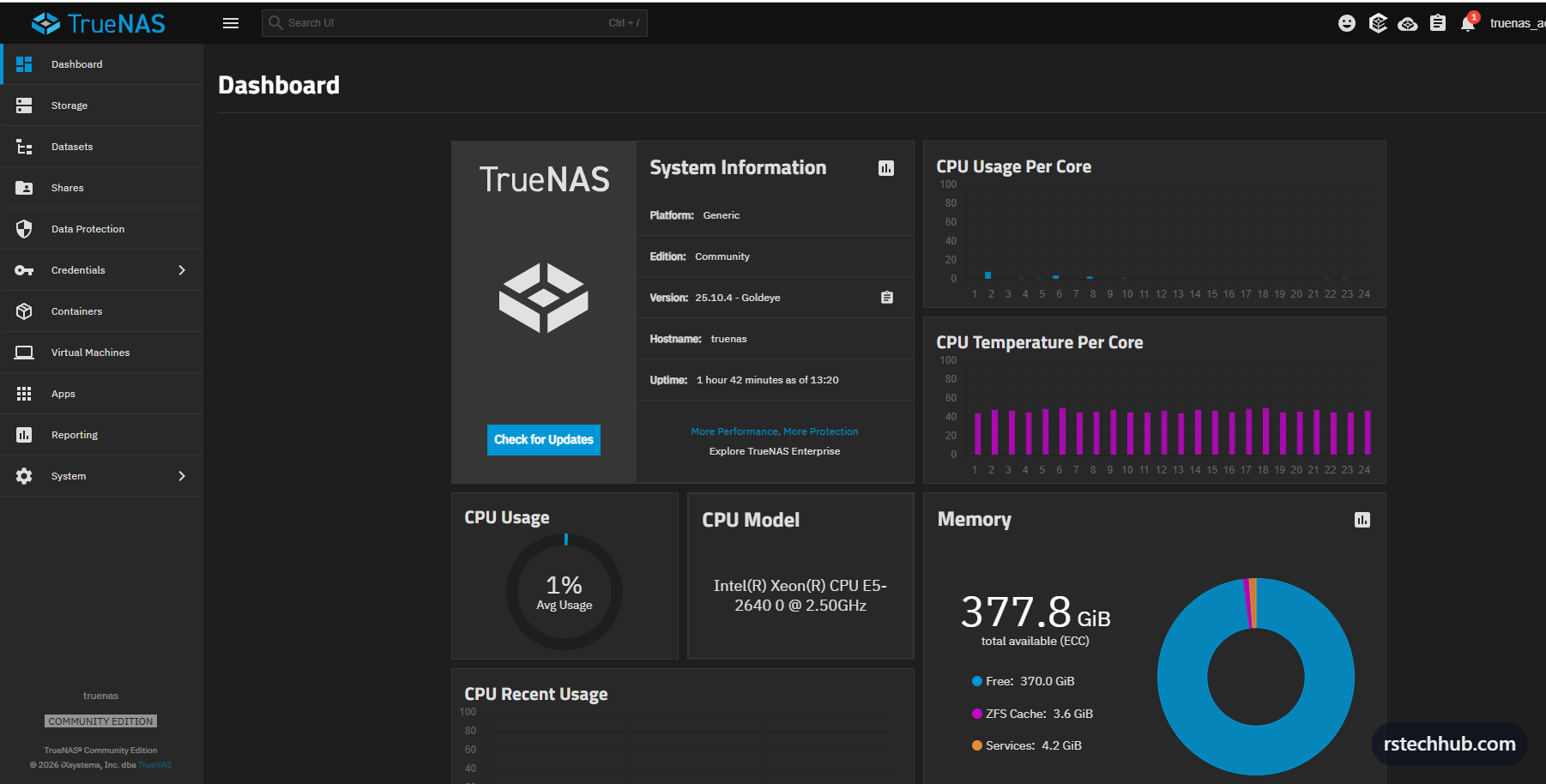
Dashboard confirmed TrueNAS Scale 25.10.4 Goldeye running, E5-2640 at 1% CPU, 377.8 GiB RAM available (ECC), and ZFS ARC cache already building. Installation is done. Part 2 will cover creating the RAIDZ2 storage pool, dataset layout, NFS configuration for VMware, ZFS tuning, and monitoring setup.
Hardware: Dell PowerEdge R620, Dell C63DV X520/I350 rNDC, LSI 9211-8i IT mode, 10x 1.2TB SAS EG1200JEMDA, Dell BOSS Card. TrueNAS Scale 25.10.4 Goldeye.